GLP-1 usage by state: Who’s taking, searching and paying in 2026
GLP-1 usage by state peaks in West Virginia, America’s GLP-1 capital, with...

Last Updated: Oct 16, 2026

A nutrition worksheet is a structured intake form that records a patient’s usual eating patterns, so your advice starts from data.
Four sections do the heavy lifting: food groups, macronutrients, label literacy, and hydration.
Send the form two days before the visit, then use the appointment to teach and set goals.
Ask patients to circle portion sizes rather than estimate grams, because gram guesses skew the whole assessment.
Practice management software like Pabau sends the worksheet, files the answers in the patient record, and keeps follow-up on schedule.
The PDF covers a food log, food group checklists, macronutrient and vitamin prompts, and hydration targets. It also includes a label-reading exercise, goal-setting prompts, a progress tracker, and space for professional guidance.
Download templateAsk a patient what they eat and you’ll hear a summary of what they meant to eat. Bread gets forgotten. So does the 6 PM snack. A nutrition worksheet fixes that by asking narrow questions before the appointment starts.
It’s a practitioner-led intake form that captures a patient’s current eating patterns in one sitting. That makes it different from a food diary, which tracks intake day by day over a week. The worksheet gives you a starting point, a teaching prop, and something to compare against next visit.
Done before the visit, it frees the appointment for counseling instead of data collection. Here is what belongs on it.
Four sections carry most of the clinical value: food groups, macronutrients, label literacy, and micronutrients with hydration. Everything else on the form supports those four.
Ask for daily servings across vegetables, fruits, grains, protein foods, and dairy or its alternatives. The MyPlate framework gives you the categories, and patients already recognize it from school and grocery packaging. One look at the servings column tells you whether the plate is short on vegetables or heavy on refined grains.
Print the USDA’s printable handouts to send home with the plan.
Most patients cannot estimate grams, so don’t ask them to. Give them a hand-portion table to circle instead:
You convert those portions into rough grams during the consultation. Completion rates go up, and the totals stop being pure guesswork. It also gives you a shared vocabulary for the plan you write afterwards.
Ask the patient to bring one packaged food they buy most weeks. On the form, they copy across the serving size, added sugars, sodium, and protein. Then you read it together and explain which numbers matter for their goal.
The Nutrition Facts label guidance is a useful refresher for staff running this part. A dedicated label worksheet goes deeper if a patient needs the practice.
Add a short list of the deficiencies you see most: iron, vitamin D, B12, and calcium. Ask whether the patient notices related symptoms, such as fatigue or cramping. Then add two hydration lines, one for usual daily fluid and one for what gets in the way.
A vitamins and minerals reference is handy when you talk the answers through.
Send it two days out, review it with the patient, teach from it, then file it in the record. That sequence is what turns a form into a change in behavior. Here is how the five steps play out.
Run through this before the patient sits down. It takes a few minutes and saves the awkward pause mid-consultation.
Digital forms handle the sending and the chasing, so the review is the only part that needs you. Answers arrive already attached to the patient’s file.
The value leaks out in four predictable places, and all four are easy to design out.
The last one bites hardest in longer programs. Without the old copy, the patient’s memory of week one is your only benchmark.
One generic version covers most people. A few edits per patient group make it land harder, and none of them take long.
Build each variant once and save it as its own template. Reception then picks the right version at booking, with no editing on the day.
Can patients complete it on a screen? Yes. Open the PDF in any reader and annotate it on a tablet. Or print it and hand over a pen. Older patients often prefer paper, and that is fine.
Do I need to print copies for the waiting room? Keep a small stack for walk-ins, but treat it as the exception. Pre-visit completion is the whole point.
Where should the completed form live? In the patient record, next to the treatment note, not in a shared drive. A form nobody can find at follow-up may as well not exist.
Three things: better use of appointment time, a documented assessment, and less work for your front desk.
The time argument is the easiest to feel. Filling the form in takes 10 minutes of the patient’s day and removes that same block of questions from yours. You start the consultation already knowing what to ask about.
The documentation argument matters more over time. A completed worksheet shows that a dietary assessment happened, what it found, and what you agreed on.
If you run group education sessions, that record also supports codes such as G0109. In a metabolic health practice, the same baseline is what makes outcome reporting possible at all.
The admin argument is quiet but real. Nobody prints, hands over, or scans anything. No one phones a patient to ask if they filled it in.
On paper, this workflow costs three touches per patient. Someone prints the worksheet, someone hands it over, and someone scans it in afterwards. The scan is where it breaks, because a file sitting in a downloads folder is not part of the clinical record.
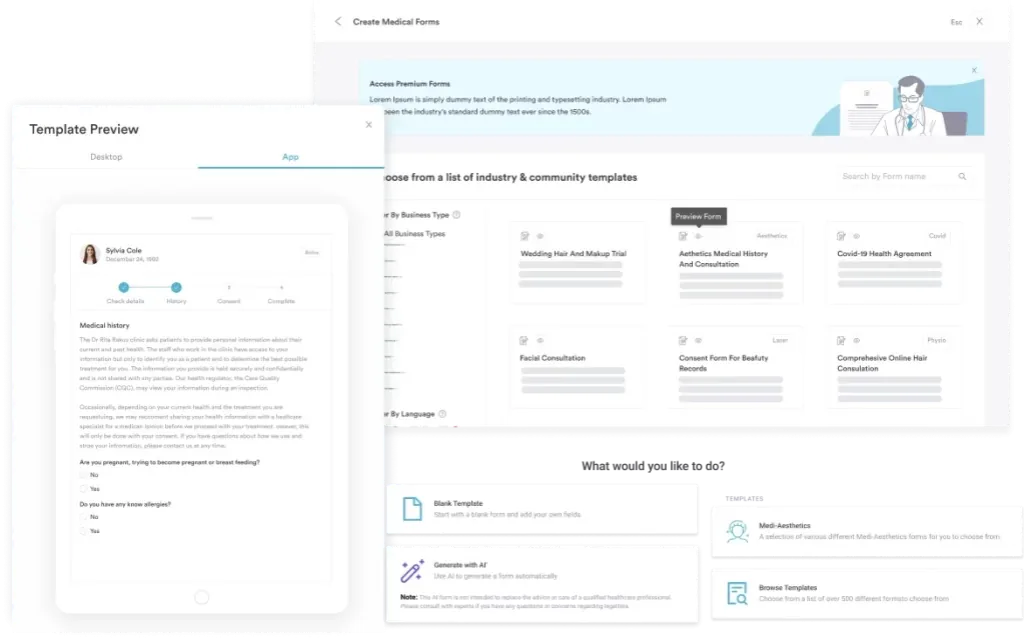
Pabau, our all-in-one practice management system, removes all three. You build the worksheet once, attach it to your nutrition appointment types, and it goes out automatically when a patient books. Answers land in their record, timestamped, beside the treatment note and photos.
Two things change day to day. Reception stops chasing forms, and practitioners open the appointment already knowing what the patient eats. At follow-up, last visit’s answers sit one click away, so progress is something you show rather than describe.
Pabau Scribe, our AI scribe, then drafts the visit note. The letter editor can draft the follow-up letter to match. The plan you agreed on reaches the patient in writing the same day.
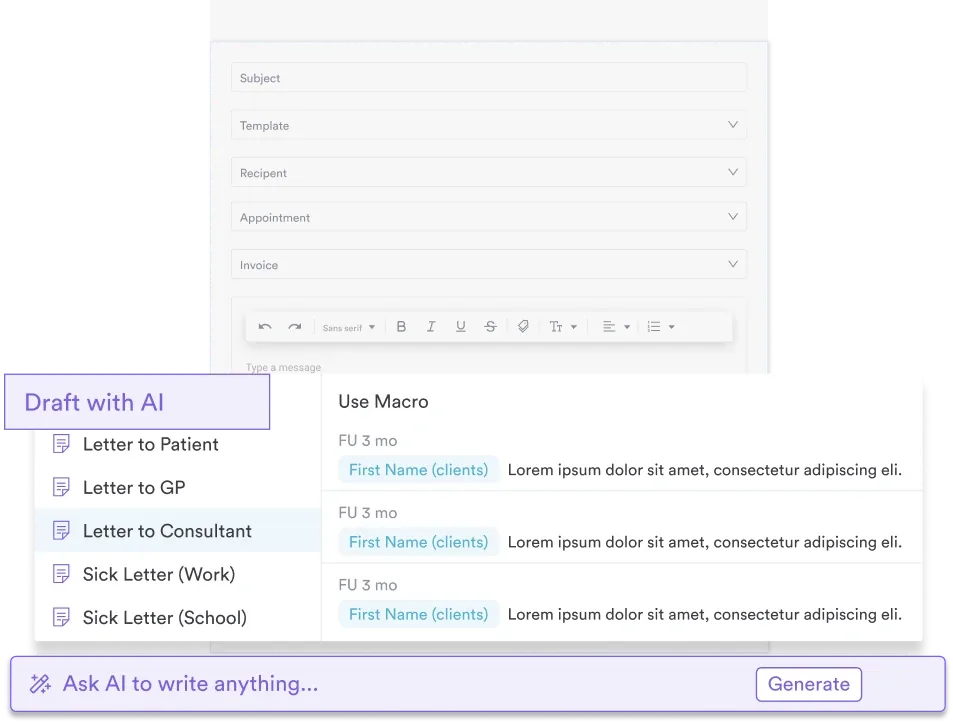

Pabau sends your nutrition worksheet when a patient books and files the answers in their record. It also reminds anyone who hasn’t replied. Book a demo to see it running on your own appointment types.

The form is not the hard part. Getting it into the patient’s hands early, and reading it with them once it comes back, is what changes what they eat.
So download the PDF, cut the sections you won’t discuss, and send it with your next nutrition booking. If the first few come back half-finished, shorten the food log before you blame the patient.
One thing worth remembering: a worksheet records a moment, not a trend. Keep every copy, and by the third visit you have a picture no single form could give you.
Book a demo to see how Pabau sends nutrition worksheets, files the answers, and chases the ones that never come back.

Need a fuller clinical assessment? The nutrition assessment form adds anthropometrics, medical history, and biochemical data to what the worksheet captures.
Ready to turn the findings into a plan? The nutritionist meal plan template includes a seven-day example you can adapt in the consultation.
Screening a diabetic patient beyond nutrition? diabetic foot exam template standardizes the neurological and vascular screening for every diabetic foot check.
Need to keep patients going between visits? A weight loss reward chart gives them something to fill in on the weeks they don’t see you.
Recording BMI alongside diet? This guide to body mass index assessment covers the formula, the ranges, and where the measure falls short.
Most patients finish in 10 to 15 minutes when the food log covers one day rather than a full week. Longer forms come back half-complete, so cut any section you won’t discuss in the appointment.
A registered dietitian or nutritionist leads the interpretation. Nurses, health coaches, and medical assistants can collect and check the form. Giving dietary treatment advice depends on your state’s scope of practice rules.
It depends on the payer and the diagnosis. Medicare Part B covers medical nutrition therapy for diabetes and kidney disease when a physician refers the patient. Commercial plans vary widely, so verify coverage before the appointment.
At intake, then every 8 to 12 weeks while goals are active. Repeating it more often adds paperwork without adding signal, because eating patterns move slowly.
Yes, if you send it as a digital form rather than a PDF attachment. Phone completion beats paper, mostly because nobody has to remember to bring anything back.