Tanja Lepcheska
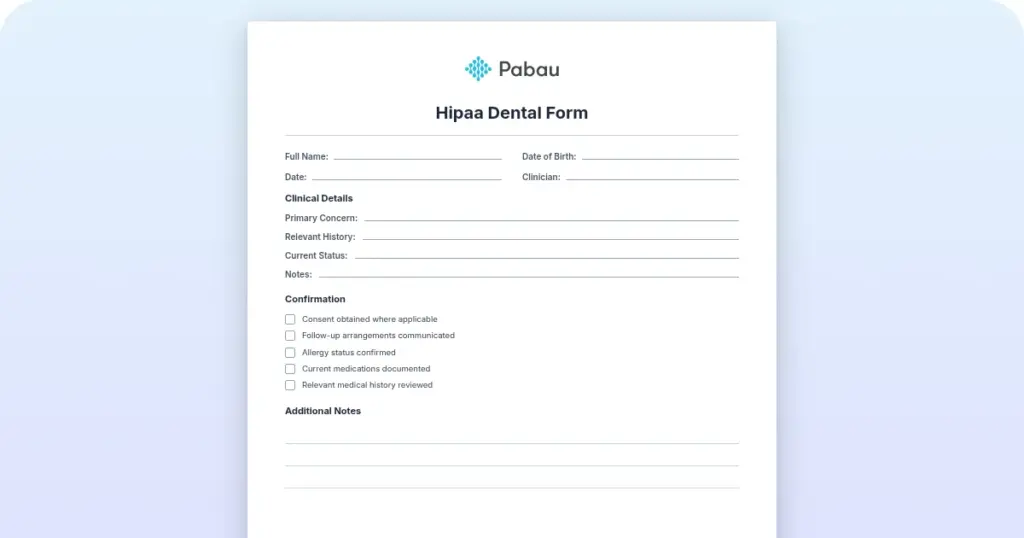
HIPAA dental form
What a HIPAA dental form is A HIPAA dental form is a written privacy document th...

4
Last Updated: Nov 3, 2026
Free PDF 2 pages, print-ready Clinician-reviewed
A HIPAA-compliant software checklist is a structured way to judge whether a vendor’s system is safe to hold patient data.
It works through the three safeguard categories the Security Rule sets out — administrative, physical, and technical. It also covers the Business Associate Agreement (BAA) that any vendor touching protected health information (PHI) has to sign.
The HHS Office for Civil Rights (OCR) enforces HIPAA. Civil penalties start at $145 per violation at the lowest tier, and reach an annual cap of $2,190,294 at the highest. A breach also triggers mandatory patient notification within 60 days.
Work through the checklist before you sign, not after go-live. It turns that exposure into a set of questions you can put to a vendor in one call, and into evidence you can file afterward.
The sheet works through all three safeguard categories, the clauses your BAA needs, and the encryption and access-control standards to ask about. It also lists the documents to request from every vendor on your shortlist.
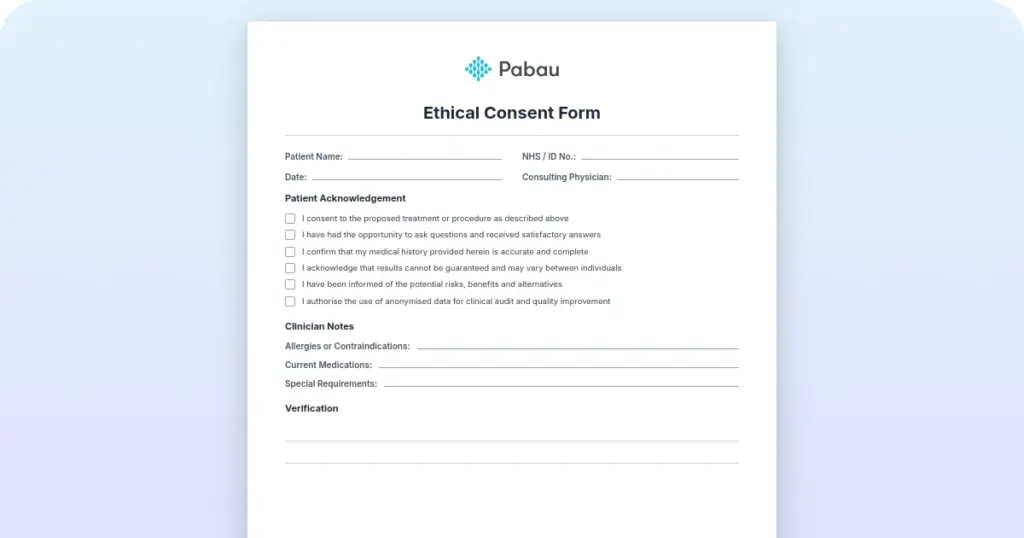
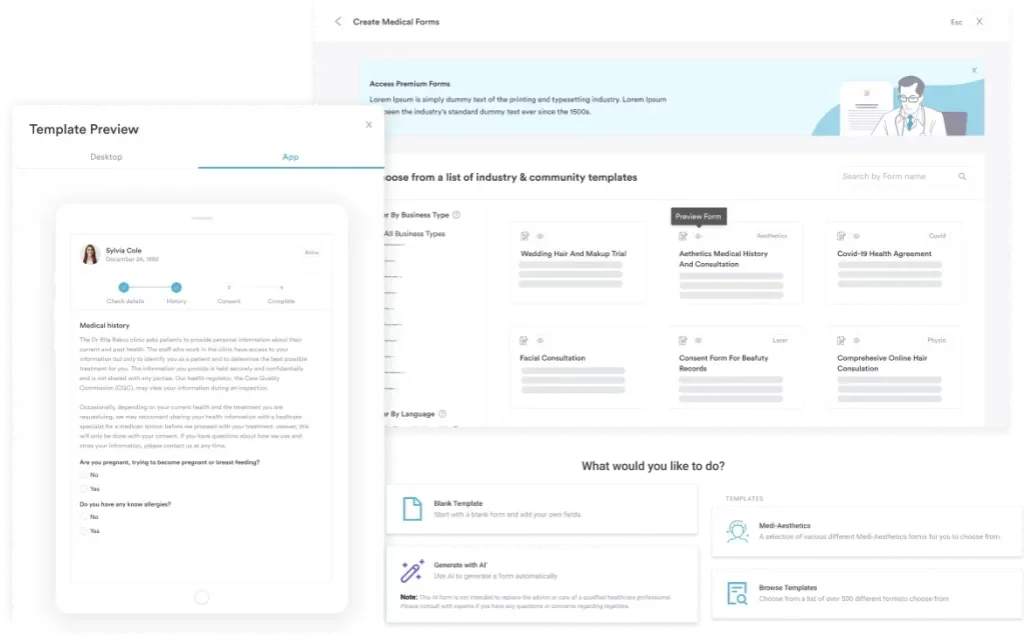
Start from scratch, or upload this PDF or any form you already use, and Pabau's AI Form rebuilds it with tick boxes, text fields and a signature. Attach it to the treatment once, and every patient gets it on time.
AI Form rebuilds the consent, history and aftercare forms you already use. You review each one, then publish.
Patients complete forms on their phone before they arrive, so the front desk stops retyping paper.
Every signed form is versioned and attached to the treatment record, ready when you need it.
Set how long a consent stays valid. Returning patients skip forms they have already signed.
Supports HIPAA and GDPR compliance AES-256 encryption 4.8 on G2 4.7 on Capterra Trusted by 4,000+ practices worldwide

Every evaluation covers three safeguard categories: administrative policies, physical facility controls, and the technical features your vendor builds.
A signed Business Associate Agreement is mandatory with any vendor that handles PHI, whatever their technical safeguards look like.
The technical bar is AES-256 at rest, TLS 1.2+ in transit, MFA, role-based access, and audit logs kept for 6 years.
Pabau encrypts stored patient data and logs account activity, so the audit trail an evaluation asks for already exists.
Enforcement has tightened. The OCR has increased breach investigations and issued multi-million-dollar settlements in recent years. Beyond the fine, a breach exposes your practice to patient lawsuits, reputation damage, and weeks of operational disruption.
Compliance is also an operating question. Digital forms built with compliance controls reduce manual errors in data handling, and compliance management software creates the audit trails an OCR investigation asks for. A checklist-driven evaluation also prevents mid-implementation surprises.
The HIPAA Security Rule (45 CFR Part 164) organizes compliance into three overlapping safeguard categories. Each covers a distinct risk surface, and each lands with a different owner once your software is cloud-hosted, as the split below shows.
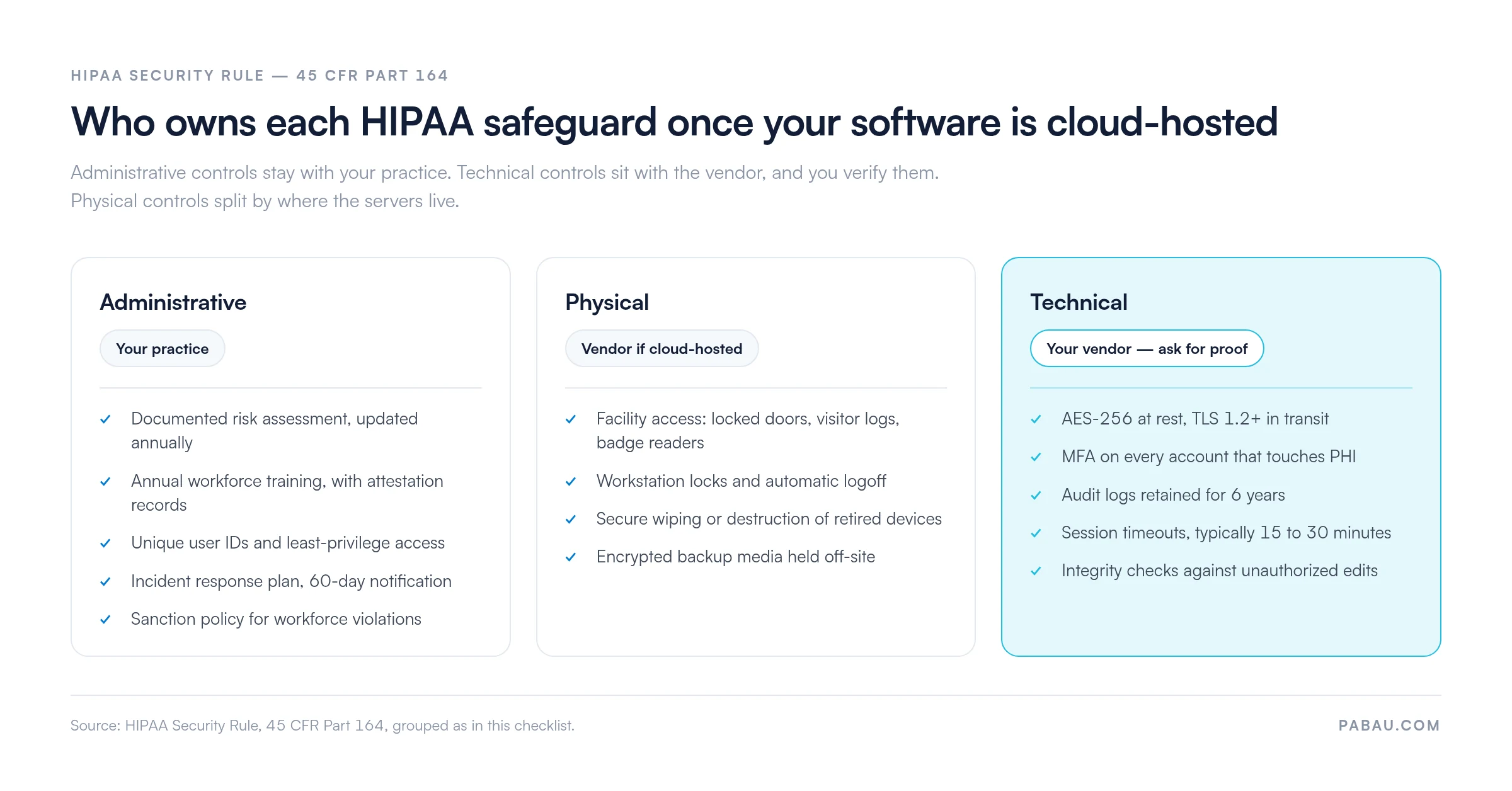
These are the policies and processes your practice documents and enforces. Your software has to support:
These control where and how your team reaches PHI. For cloud-hosted software, many of them are the vendor’s responsibility. For on-premise systems, they are yours:
These are the software features your vendor has to provide. Ask prospective vendors directly about each one:
Any vendor that handles PHI must provide a signed Business Associate Agreement. The BAA is a legal contract. It specifies how the vendor will protect PHI, what happens in a breach, and what audit rights your practice keeps. Shortlisting goes faster when you start from HIPAA compliance software that already publishes its controls.
When you evaluate a vendor’s BAA, verify it includes:
Request the vendor’s SOC 2 Type II audit report, then ask about their encryption, backup, and incident response procedures. A reputable vendor hands these over without pushback.
The failures that come up most often:
Training is the item that slips most often, because it has to be repeated and recorded every year. Our guide to HIPAA training for employees covers what to teach and how to evidence it.
Two technical requirements deserve a closer look.
Encryption standards. HIPAA classifies encryption as “addressable”, which means you either implement it or document why you have not. In practice, every vendor handling PHI should support AES-256 encryption at rest and TLS 1.2 or higher in transit.
Ask three questions. Which algorithm do they use, who holds the encryption keys, and is data encrypted by default or only after setup? Walk away from any vendor that stores passwords in plaintext or sends PHI over unencrypted connections.
Access controls and least-privilege access. HIPAA requires that staff reach only the minimum PHI their role needs. A front-desk scheduler should not see clinical notes, and a clinical support assistant should not see billing records.
Check that the vendor supports granular role-based access control, where you define roles such as receptionist, clinician, and billing staff, then assign permissions to each. Test it before go-live by creating a clinician account and confirming it cannot open records outside its role.
Role permissions decide which staff open a record, while identity verification methods establish that the patient is who they claim. Those checks range from a photo ID at check-in to biometric scanning.
Download the sheet, then work through these five steps with each vendor on your shortlist:
Step one goes faster when you already know your own exposure. A HIPAA risk assessment maps where PHI sits in your practice, so you can question vendors about the systems that actually hold it.
Yes, if the vendor can reach any PHI, you need a signed BAA. That covers your electronic health record (EHR), patient portal, billing software, telehealth platform, and scheduling system. It also covers your email service when PHI is discussed in email, and your IT support vendor when they can reach your servers.
Your patient messaging platform belongs on that list too, since secure patient texting needs a BAA once a message carries PHI.
There is one exception. Vendors who never touch PHI directly, such as your office cleaning service, do not need a BAA. Tell them anyway that they must not disclose any PHI they happen to see.
Both you and the vendor are liable. The vendor must notify you immediately under the BAA, and you then have 60 days to notify affected patients and the HHS OCR. The HHS will investigate, may fine both parties, and can issue corrective action orders.
Choosing a vendor that documents its own HIPAA compliance lowers your breach risk without removing it. Access controls, staff training, and incident response stay your responsibility.
Most practices assemble compliance evidence after the fact. Access logs come out of one system, training records out of a spreadsheet, and signed consent forms out of an email inbox. Pulling that together for an investigation costs days nobody planned for.
Practice management software like Pabau holds those records in one system instead. Patient data is encrypted in storage, and account activity is logged as staff open, edit, and share records. Role-based permissions decide who sees clinical notes and who sees only the schedule.
The result is that the evidence an evaluation asks for already exists. You can show who opened a record and when, without reconstructing the answer from three separate tools.

Pabau encrypts stored patient data and logs every account action against the patient record. Access histories, consent forms, and treatment notes sit in one place, which makes vendor audits and OCR requests quicker to answer.

The vendors worth shortlisting are the ones that answer these questions in writing, on request, without a sales call in between. Treat a vague answer on encryption, audit logs, or the BAA as the finding, and move on to the next vendor.
Remember that a signed BAA moves some of the work to your vendor, not all of it. Training, access reviews, and incident response stay in your practice, so run the checklist again at your annual review rather than filing it after procurement. Book a demo to see how Pabau keeps encrypted patient records and account audit trails in one place for your team.

List Item #1
List Item #2
No, HIPAA has no official certification body, so vendors cannot be “HIPAA certified.” Look instead for vendors who can demonstrate compliance in writing. Ask for a SOC 2 Type II audit report, a signed BAA, and documentation of their technical and administrative safeguards.
A BAA is necessary but not sufficient. The BAA is a contract, and compliance depends on the vendor implementing the safeguards it promises. Verify the vendor’s technical controls independently, so ask for encryption details, MFA requirements, and audit log capabilities before signing.
At minimum annually, or whenever your software stack or vendor changes significantly. Request the most recent SOC 2 Type II report, which is typically issued once a year. Then review your audit logs and confirm MFA is still enforced. Document each audit as evidence of your compliance work.
Only if they have a signed BAA with your practice or with your covered entity. AI note-takers and LLM tools that read clinical notes are subject to HIPAA. Verify that the AI vendor’s BAA explicitly covers your use case before any PHI is processed.
Administrative safeguards are policies and procedures, such as training, risk assessment, and workforce sanctions. Physical safeguards protect buildings and devices through facility access, workstation locks, and secure disposal. Technical safeguards are software features such as encryption, MFA, and audit logs. All three are required.