HIPAA compliant texting: What you can send patients & how to communicate securely
HIPAA compliant texting is possible when a text holds no protected health inform...

Last Updated: Oct 16, 2026
An e-consent form is a consent document the patient reads and signs on a screen, usually their own phone. The e-consent form carries the same seven elements as the paper version: patient identification, procedure description, risks, benefits, alternatives, screening questions, and a dated signature.
Under the federal E-SIGN Act, that signature binds the patient exactly as ink would. An element missing from your paper form stays missing once it is on screen, and that is what an auditor finds first.
Below you can download a free template, see what each element has to say, and set the form to send itself.
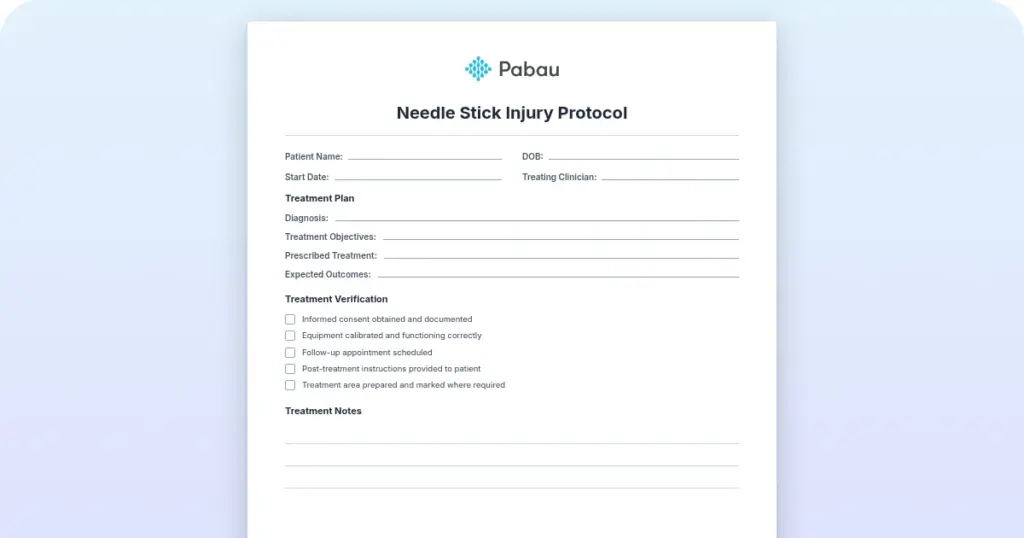
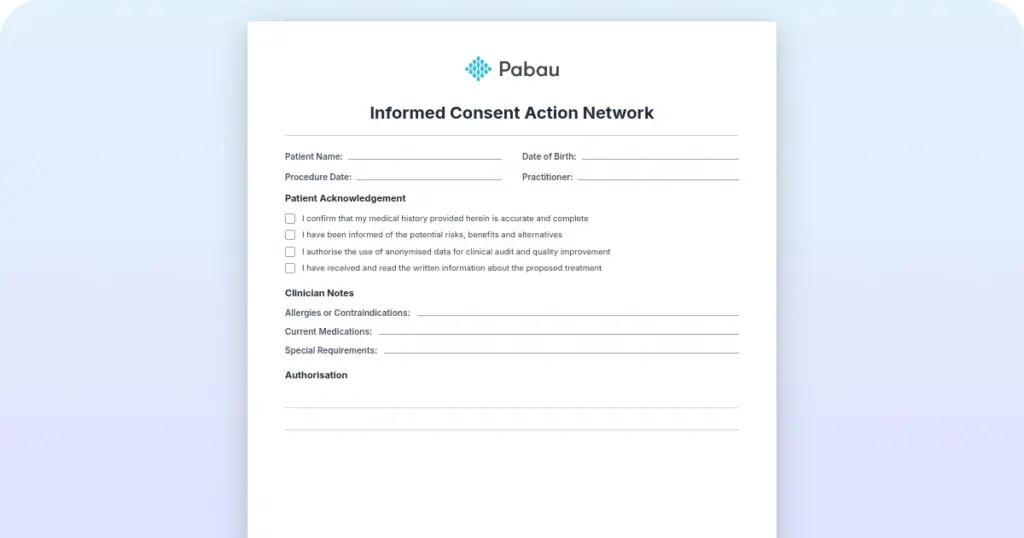
A two-page form with every required element already laid out. It covers patient identification, the procedure description, risks and benefits, alternatives, screening questions, and both signature blocks. Adapt the prompts to your own treatments before any patient sees it.
Download template
An e-consent form captures legally binding agreement through an electronic signature, which carries the same weight as ink under the federal E-SIGN Act.
Seven elements make a consent defensible: patient identification, procedure description, risks, benefits, alternatives, screening questions, and a dated signature block.
UETA has been adopted in 49 states, and New York applies its own Electronic Signatures and Records Act instead.
HIPAA permits electronic consent, provided the document is encrypted, access is restricted, and every opening of the file is logged.
Practice management software like Pabau sends each form on the schedule your practice sets, then files the signed copy against the patient record.
Start with what stays the same. An e-consent form is the same legal document as a paper consent, carrying the same duty to inform the patient before they agree to treatment.
Three parts of the process change: how the form reaches the patient, how they sign it, and where the signed copy lands.
Paper gets printed at reception, signed with a pen, then scanned into a folder someone has to name correctly. A digital form arrives by text or email a day or two before the visit. The patient signs with a fingertip at home. Their completed document lands in the record with a timestamp, a device and an audit reference attached.
That last part is where a healthcare form pulls ahead of a general form builder. A tool like JotForm captures a signature well enough, but a member of staff still has to match the response to the right patient file.
Handle consent through paperless patient intake software and the form goes out with the booking, then files itself against the record it belongs to.
Seven elements make a consent defensible, electronic or not. Leave one out and you have a document that records agreement without recording what the patient agreed to. Auditors and insurers look for the same seven, in the same order.
The download is a two-page form with no procedure written into it, so one structure covers every treatment you offer. The layout below shows where each element sits.
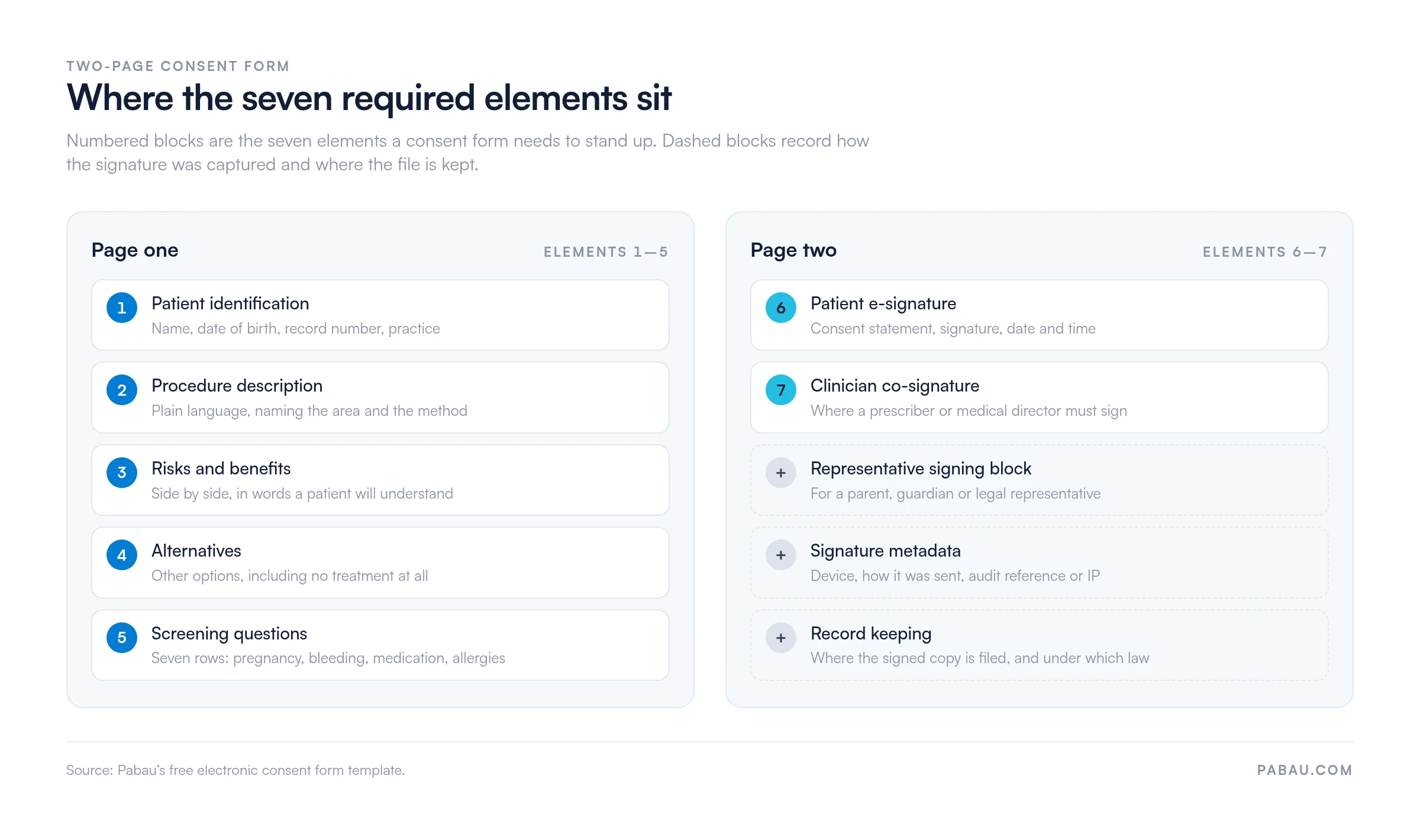
Page two carries more than a signature. There are fields for the typed name, the date and time, and the device used. Two more record how the form was sent and its audit reference or IP address. A short retention line records where the signed copy is filed and which signature law applies to it.
Adapt it before any patient sees it. Add your practice name and logo, swap the generic prompts for your own treatment wording, and have your medical director sign off the final version.
Most practices need both. They cover different ground, and one will not stand in for the other.
An intake consent covers agreement to be treated at your practice at all. The patient signs it at the first visit. It usually bundles the privacy notice, permission to share information with an insurer, the fee schedule, and the cancellation policy. Send it ahead of arrival and reception gets the first ten minutes of the appointment back.
A treatment consent names one procedure. It sets out the risks, benefits and aftercare that belong to that treatment and no other. A botulinum toxin form and a laser form should never read the same. The patient signs it before each procedure, and it becomes part of that visit’s clinical record. Our adult medical consent form is a good starting point for a general treatment version.
A patient under 18 needs a parent or guardian to sign for them, so keep a consent to treat minor form alongside the adult one. The representative block on page two of our template handles the same job for adults who cannot sign themselves.
Two statutes do the heavy lifting, and one regulation governs storage. The federal E-SIGN Act, passed in 2000, gives an electronic signature the same force as a handwritten one.
Two conditions apply: the signer meant to sign, and the signature can be traced back to them.
At state level, the Uniform Electronic Transactions Act (UETA) does the same job, and 49 states have adopted it. New York is the exception. It runs its own Electronic Signatures and Records Act, which reaches the same outcome by a different route. A signature captured in Manhattan is as enforceable as one captured in Los Angeles.
HIPAA sits on top of both. It never blocks electronic consent, and HHS guidance confirms that electronic methods are acceptable for documenting informed consent. What HIPAA asks is that you protect the document: encrypt it in transit and at rest, limit who can open it, and log every access.
Consent to treatment and permission to release records are separate documents, and readers often conflate them. If you need the second one, the HIPAA authorization form template covers it.
Research raises the bar again. Practices enrolling patients in FDA-regulated trials also fall under 21 CFR Part 11. That rule governs electronic records and signatures in clinical investigations, and it requires audit trails, timestamping and encryption.
The ICH E6(R2) Good Clinical Practice guidelines extend similar expectations to multinational trials. Check that your platform meets those standards before you enroll anyone.
Picture the paper version. Reception prints the consent when the patient arrives, hands over a clipboard, and waits. The patient reads it in a hurry, signs, and someone scans the page at the end of the day. Five to ten minutes disappear per patient, per form, and the file is only as findable as its name.
Now the digital version. The form goes out ahead of the visit, the patient reads it at home, and they take their time over the screening questions before signing. Reception sees a green tick against the appointment instead of a clipboard.
Two more benefits show up. The platform records the timestamp, the device and the IP address, which is the evidence you need if a patient later disputes signing. Patients who cannot get in early, or who are consenting ahead of a telehealth appointment, can sign from wherever they happen to be.
Building a consent from scratch takes 20 to 30 minutes. These five steps are the order that works:
Audit your current paper consent before you rebuild it digitally. Run the seven-element check over it and mark what is missing, because plenty of practice forms skip alternatives or under-describe the risks. Digitizing a thin form only makes a thin form easier to send.
Run these checks on the finished form before the first patient receives it.
Three mistakes come up again and again. Practices send the consent with a booking confirmation months ahead, so the patient signs it and forgets what it said. They reuse one form across a whole treatment category. And the clinician co-signature field stays empty because nobody owns the job.
Most practices run consent across two or three tools that do not talk to each other. A form builder collects the signature, the calendar holds the appointment, and someone joins them up by hand. Practice management software like Pabau keeps the whole sequence in one place.
When a patient books a treatment, the matching consent form goes out by email or text on the schedule your practice sets. You choose that timing yourself, so a surgical consent can go out a week ahead while a facial consent goes the day before. The patient signs on their phone, and the signed copy files itself against their record with the audit trail attached.
Pabau’s pre- and aftercare messages run on the same schedule. The consent, the preparation notes and the follow-up all leave without anyone remembering to send them.
Conditional logic sits inside the form too. If a patient ticks “pregnant” in the screening section, the answer can be flagged to the clinician before the appointment rather than at the door.
Care Pathways, the pre-appointment checklist in Pabau GO, our iOS app, shows the practitioner what is still outstanding for each patient that day. The consent is tied to both the appointment and the clinical note. Nobody has a separate folder to search when a patient asks for their copy.


Pabau sends each treatment’s consent form on the schedule your practice sets, captures the e-signature, and files the signed copy against the patient record.

The form is the easy part. Download the template, spend half an hour making it sound like your practice, and you have a document that will hold up.
What decides whether it keeps holding up is the routine around it. A consent that goes out on time, gets read at home and files itself runs without a reminder from anyone. One that depends on a receptionist printing the right version will fail on the busy day, which is the day you will want the record.
So pick the workflow first and the wording second. Book a demo to see how Pabau sends, signs and stores consent forms without adding a step to your front desk.

Looking for more medical form templates? Medical forms for healthcare practice covers intake forms, history forms, and consent variations across specialties.
Want the forms to fill themselves in before arrival? Patient intake software explains how digital intake cuts the paperwork waiting at reception.
Setting up a new patient from scratch? New patient intake form template gives you the first-visit document that sits alongside your consent.
Yes, if the vendor stores or transmits protected health information on your behalf. That covers any platform holding signed consent forms, whether the feature comes bundled with your main system or you buy it separately. Ask for the signed agreement before you go live.
Retention is set by your state’s medical record law, so the period varies. Most states count from the last date of treatment, and records for minors are usually kept longer. Check your own state board’s rule rather than copying another practice’s policy.
Keep a paper version of every form. The patient signs on paper and your team scans it into the record, which is the same document taking a slower route. Note the reason in the record so the mixed format makes sense to anyone reviewing the file later.
It can be. The E-SIGN Act cares that the signer intended to sign and that the signature can be attributed to them, not how it looks. A typed name backed by a timestamp, a device record and an IP address is stronger evidence than a drawn signature with no metadata.
Only where they hold the legal authority, such as a healthcare power of attorney or court-appointed guardianship. Record who signed, their relationship to the patient, and the authority they hold. Page two of the template has a representative signing block for exactly this case.