Reflection questions: 14 examples and a free template
Reflection questions are open-ended prompts that guide a person through structur...

7
Last Updated: Oct 16, 2026

A coach notebook is a structured documentation tool that helps coaches record session notes, track client progress, and manage coaching engagements systematically.
Essential sections include session agendas, client background information, goal-setting frameworks (SMART goals), action items, and progress-tracking logs.
Different coaching specialties (life, health, sports, executive) require tailored notebook structures to match their distinct workflows and compliance requirements.
Pabau’s digital forms and client portal let you transition from a printable coach notebook to a secure, searchable digital documentation system without losing structure.
A structured template for coaches to organize session notes and track client goals. It also helps you document intake information, record between-session action items, and monitor progress across multiple engagements.
Download templateCoaches spend hours documenting client sessions by hand. They search through notebooks, duplicate notes, and forget what was discussed last month. A structured coach notebook fixes that: organized sections for session planning, goal tracking, and client progress monitoring replace scattered pages.
This guide explains what belongs in your coach notebook and provides a free downloadable template. It also shows how to bridge from paper documentation to digital record-keeping with practice management software like Pabau. Pabau’s coaching client management tools keep client data organized, searchable, and secure.
Whether you’re a life coach, health coach, sports coach, or executive coach, this template adapts to your specialty. It still keeps the structure that holds your coaching engagements together.
A coach notebook is a professional documentation system, whether printed or digital. It helps you capture the details of every coaching session, track client progress over time, and maintain continuity between appointments.
Unlike a blank notebook, a structured coach notebook provides sections for session agendas, client background, goals, between-session action items, and progress notes. This organization means you can:
A coach notebook is the difference between remembering “Sarah mentioned wanting a promotion” and knowing the full story. A good entry might read: “Sarah set a SMART goal to interview for a management position by March. She completed two leadership articles in January, and her confidence rose by week 3. Next session: focus on public speaking.”
A comprehensive coach notebook balances capture with usability. Include too little and you lose detail. Include too much and documentation becomes a burden. A digital forms system, like Pabau’s, lets you automate capture, but a printable coach notebook template should contain:
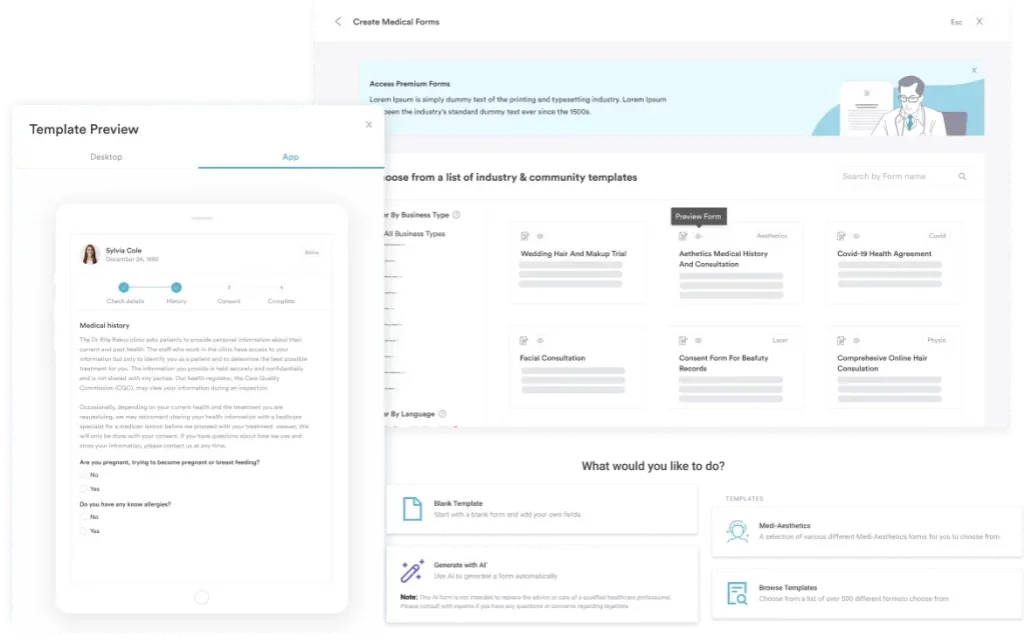
Many coaches find that front-loading intake information saves time during sessions and helps clients feel fully understood from session one.
Session notes are the core of your coach notebook. Capture the essentials during the session so you have accurate records and can focus on the client experience rather than frantic note-taking.
This structure ensures you capture depth without requiring two hours of post-session administrative work. Many coaches add a “tone of voice” note describing how the client seemed emotionally, to track shifts in confidence or energy over time.
Filing completed forms in patient management software keeps documentation consistent across your whole team.
One printable page of notes per session can feel fragmented. A progress log lets you see patterns across sessions and celebrate incremental wins. Track key metrics the client defined at intake, whether that’s confidence level, weekly exercise sessions, income, or relationship quality.
Use this log during coaching sessions to review progress with the client. Seeing measurable movement reinforces the value of the coaching relationship and keeps both of you accountable to the goals.
Your first session sets the tone. A structured intake form (or intake notebook page) ensures you gather the information you need to provide effective coaching without feeling like an interrogation.
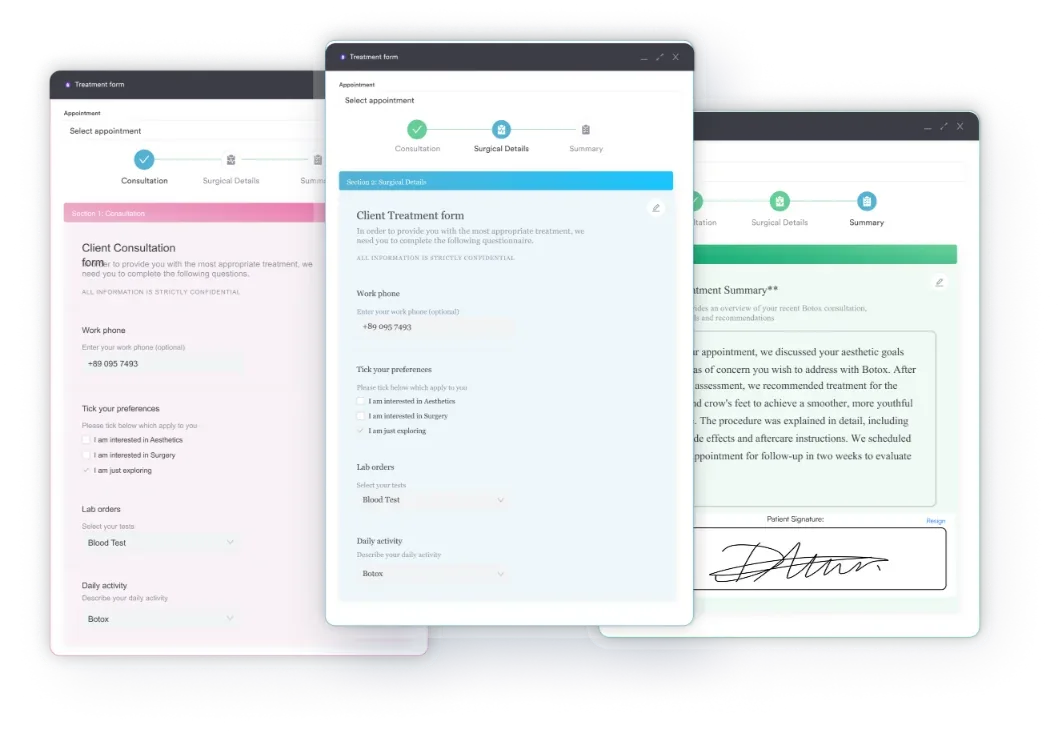
Spend 15-20 minutes on intake in session one. The depth you establish here reduces clarification time across all future sessions.
While the core structure holds across coaching specialties, the content and metrics shift. Tailor your coach notebook template to your coaching context.
Download the free coach notebook template above and adapt the sections to match your coaching specialty. The structure stays consistent; what changes is the metrics and focus areas that define client success.
A printable coach notebook works well on its own. But many coaches find that transitioning to digital documentation, especially when integrated with client management software, keeps notes searchable, secure, and accessible across devices. Here are five operational steps to bridge paper documentation and digital record-keeping:
Start with the printable coach notebook to establish your documentation routine, then layer in digital tools as your practice scales. The structure remains the same; the delivery shifts from paper to pixels.
Organizing client notes by hand works well at first. Once you’re managing 50 clients across multiple specialties, you can spend hours each week searching old notebooks instead.

Pabau’s digital forms, client portal, and AI scribe capture intake data, session notes, and progress tracking in one searchable record. Nothing depends on a paper notebook you could lose or forget.

A structured coach notebook is the difference between coaching that moves clients forward and coaching that is barely remembered two months later. Session notes, progress logs, and intake forms create accountability for coach and client alike, and they demonstrate your professionalism to referral partners and supervisory bodies.
Start with the free printable template above. As your coaching practice grows, layer in digital client management tools to keep your notes organized, secure, and instantly accessible. That way, your documentation supports your coaching instead of consuming it.
Book a demo to see how Pabau keeps your session notes, progress tracking, and intake forms organized in one secure system.

Getting ESA letter requests from clients? ESA letter sample shows what a legally defensible emotional support animal letter needs to include.
Working with clients who feel torn between conflicting impulses? The Internal Family Systems model explains this clinical framework for understanding a client’s internal parts.
Need to gauge a client’s current mental state? Mental status examination covers the structured components clinicians use to evaluate a patient’s mental state.
Choosing software built for psychiatric practices? Psychiatry EHR platforms compares six platforms built for psychiatric practice workflows and documentation needs.
A coaching notebook should include client intake information (background, goals, preferences) and session agendas and notes (date, focus, interventions, insights, action items). It should also include a progress-tracking log showing movement toward goals across multiple sessions, plus reflection prompts to guide next-session planning. The exact structure adapts to your coaching specialty: life, health, sports, or executive.
Coaches document client sessions using a structured template. It captures the session date, client-presented challenges, coaching techniques used, key insights or breakthroughs, and action items assigned. Most coaches take notes by hand during the session, then migrate them to a digital record or formal notebook page afterward. The International Coaching Federation recommends keeping records that show client progress and justify coaching decisions.
Yes. Download the free Coach Notebook template at the top of this page. It includes sections for intake, session planning, session notes, progress tracking, and goal documentation. It’s ready to print or adapt to your preferred format, such as Notion, Google Docs, or practice management software.
A coaching log typically tracks single data points across sessions, such as a progress metric from 1-10 each week. A coaching notebook is a comprehensive documentation system capturing session-by-session detail. A notebook contains session notes, action items, reflections, and goals. A log is a condensed view of progress over time: the notebook is where detail lives, and the log is where trends emerge.
Track progress by defining measurable milestones at intake, such as confidence level, skill development, or behavior change. Then record progress notes in each session, and maintain a progress log showing the metric at each session. For example: \”Session 1: confidence 4/10. Session 2: completed action item, confidence 5/10. Session 3: tried new habit, confidence 6/10.\” Digital client management systems automate this tracking and generate progress summaries for client review.
Yes. Session notes demonstrate professionalism and provide continuity between appointments, so you remember what was discussed. They also protect you legally if a coaching engagement ends in dispute. The ICF Code of Ethics encourages coaches to keep records. Notes also help you reflect on your coaching effectiveness and spot patterns in client behavior.