CPT code 87150: Culture typing by nucleic acid amplified probe
CPT code 87150: Official descriptor and procedure overview CPT code 87150 is des...

Last Updated: Nov 2, 2026
L2820 is the HCPCS Level II code for addition to lower extremity orthosis, soft interface for molded plastic, below knee section.
According to the Centers for Medicare and Medicaid Services, or CMS, HCPCS Level II L-codes govern every orthotic addition billed to Medicare. As a result, L2820 sits inside that framework as an add-on, never a standalone procedure.
Let Pabau's smart automation suggest the right codes, reduce claim denials, and keep your practice compliant—effortlessly.
Automate repetitive tasks and focus on what matters most—your patients.
Reduce coding errors and ensure compliance with the latest regulations.
Clean claims, fewer denials, and faster reimbursements.
Powerful insights and reporting to help your practice thrive.
HIPAA compliant SOC 2 certified GDPR-compliant Trusted by 4,000+ clinics worldwide

HCPCS Code L2820 describes the addition of a soft interface or padding to the below-knee section of a molded plastic lower extremity orthosis. It is an HCPCS Level II code, not a CPT code.
L2820 is an add-on code – it cannot be billed without a base orthosis code (such as an AFO or KAFO) on the same claim.
Two modifier sets apply: NU, RR, or UE for equipment status, plus a KX, GA, or GZ coverage modifier and RT/LT for laterality. A line missing the KX, GA, or GZ modifier is rejected as incomplete.
Practice management software like Pabau helps orthotists and DME billers track documentation requirements, modifiers, and claim status in one place.
HCPCS Code L2820 is a Level II add-on code published by CMS. Specifically, it describes the addition of a soft interface to the molded plastic below-knee section of a lower extremity orthosis. The official descriptor reads: Addition to lower extremity orthosis, soft interface for molded plastic, below knee section.
Orthotists, physical therapists, and enrolled DMEPOS suppliers use it for a patient’s primary lower extremity orthosis. This device is typically an ankle-foot orthosis (AFO). Specifically, they add the interface when the device requires padding or a liner to protect skin integrity or improve comfort.
Billers frequently look this up as the “L2820 CPT code,” but that label is inaccurate. L2820 is an HCPCS Level II code, not a Current Procedural Terminology (CPT) code. CPT codes describe physician and clinical procedures. By contrast, HCPCS Level II L-codes describe the orthotic device and its additions.
The practical takeaway: whether you search “L2820 CPT code,” “L2820 HCPCS,” or “L2820 brace,” you land on the same add-on. In practice, it always follows HCPCS Level II billing rules. The soft interface itself is the padding or liner fitted to the AFO brace where the shell meets the skin.
It falls within the HCPCS L2000-L2999 orthotic procedures range. In addition, CMS maintains it under its HCPCS Level II code set. CMS designed the code specifically for additions to existing devices. That’s why it reports work beyond what the base orthosis code already captures.
A well-managed practice management software setup keeps the base code and L2820 linked in the same claim record. As a result, it reduces the risk of unbundling or missing the add-on entirely.
L2820 applies whenever a patient’s molded plastic AFO or KAFO requires a soft interface added to its below-knee section. The clinical rationale typically centers on three scenarios. Understanding which one applies helps your documentation justify medical necessity under LCD L33686. For example.
L2820 can be added to both AFO (ankle-foot orthosis) and KAFO (knee-ankle-foot orthosis) devices. However, the soft interface must apply specifically to the below-knee portion. It is not appropriate for interfaces added to the thigh section of a KAFO. Instead, a separate code applies in that case.
Occupational therapists handling pediatric gait rehabilitation cases bill the same add-on when orthotic fitting falls within their scope. So.
CMS Policy Article A52457 and LCD L33686 govern medical necessity for AFO/KAFO orthoses and their additions. This includes HCPCS Code L2820. The covered diagnoses must demonstrate a clinical need for the device – and specifically for the soft interface addition.
Payers are auditing for diagnosis-to-addition alignment. So, a generic AFO diagnosis paired with L2820 without a documented skin risk or comfort indication is increasingly flagged. Your compliance management software should flag claims where L2820 is billed without a supporting diagnosis. Specifically, watch for claims where no skin-integrity or rehabilitation diagnosis appears in the chart. Coding compliance rests on the note supporting the code, every time, not on the code being plausible.
Always verify that the selected diagnosis is included on LCD L33686’s covered diagnosis list for AFO/KAFO orthoses. Covered diagnoses must appear on the claim and in the chart notes before billing L2820. However, payers do not accept a diagnosis that supports only the base orthosis if it does not also justify the addition.
Clinicians managing orthotic patients can chart fittings and follow-ups in software built for osteopaths.
Medicare reimbursement for L2820 is published annually in the CMS DMEPOS fee schedule. Rates vary by geographic payment locality. The figures below reflect 2026 national averages. First, verify your specific MAC jurisdiction using the CMS fee schedule lookup before submitting claims.
Rates for orthotics and DME items are generally set at 100% of the fee schedule for new equipment purchases. By contrast, rental and used-equipment modifiers apply proportional reductions.
The NU modifier is the standard choice for soft interfaces billed with L2820. In addition, confirm current locality-specific rates against the official AAPC HCPCS database or the CMS DMEPOS fee schedule files published each January.
The NU/RR/UE modifiers only describe equipment status. CMS Policy Article A52457 requires a second set on the base orthosis code and on L2820. These are the modifiers that most often stall a claim. Therefore, append them alongside the equipment modifier:
A claim line billed without a KX, GA, or GZ modifier is rejected as missing information. That is a different failure from choosing the wrong NU/RR/UE modifier. However, it is far more common on orthotic additions.
Check your MAC’s fee schedule file, not just the national rate. Geographic adjustments in rural areas can reduce L2820 reimbursement by 10-15% compared to urban localities. Download the DMEPOS fee schedule file from CMS annually and update your billing system rates at the start of each calendar year.
Incomplete documentation is the top cause of L2820 claim denials. CMS Policy Article A52457 and LCD L33686 specify what must be on file before you submit. As a result, missing even one element can trigger a full denial or post-payment audit.
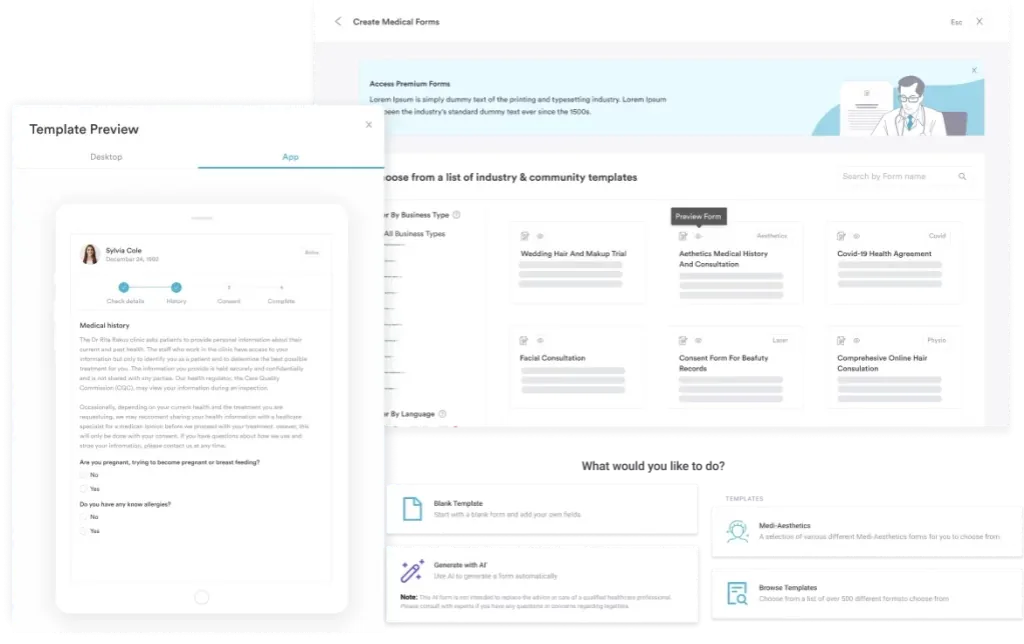
Your team should confirm all required items using standardized medical forms before the claim goes out. In addition.
Using digital forms to capture and store these documents reduces the risk of missing a required element. In addition, it creates an auditable trail linked directly to the patient record.
L2820 must always be billed alongside a base orthosis code. Submitting it as a standalone charge is a hard billing error. Here is the workflow most DME billers follow when submitting a claim that includes HCPCS Code L2820. In practice.
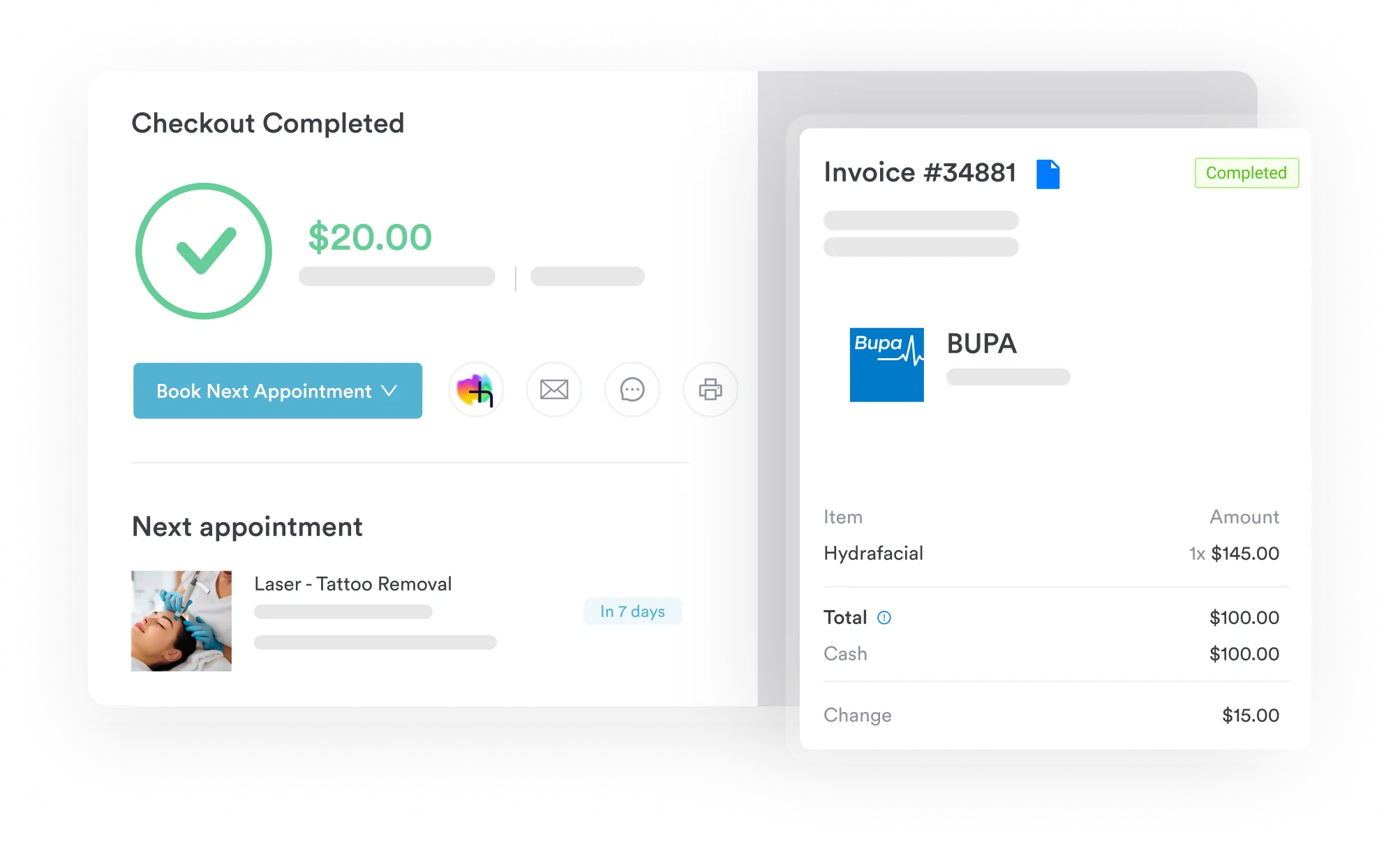

Pabau’s claims management software helps orthotists and DME billers track add-on codes, modifiers, and required documentation – so nothing gets missed before submission.

Denials on L2820 claims follow predictable patterns. Reviewing your claim history through patient data security tools that maintain an auditable billing trail helps catch these errors early. As a result, you can fix problems before they reach the MAC. Most errors fall into the categories below.
L2820 sits within a family of HCPCS Level II addition codes for lower extremity orthoses. In practice, knowing the adjacent codes prevents both under-coding (missing a billable addition) and over-coding (billing an inappropriate addition).
The NLM Clinical Table Search API provides a programmatic lookup for the full HCPCS Level II code set. In addition, it supports real-time code status verification.
Billers cross-referencing the same claim may also work with L1960 or L1810. Specifically, the choice depends on whether the base device is an AFO or a knee orthosis.
The rule differs when the base device is a knee orthosis such as L1848. Medicare’s Knee Orthoses policy article folds the soft interface into the brace allowance, so a separate L2820 line is denied as not separately payable.
The same bundling applies to L1860, the custom-fabricated supracondylar knee orthosis. Its allowance already covers the soft interface, so the L2820 line gets denied.
A KAFO can have a soft interface on both the above-knee and below-knee portions. In addition, bill L2820 and L2830 together on the same claim, each referencing the base KAFO code. Do not use L2820 alone to capture both sites.
Audit your AFO/KAFO claims quarterly for missed add-on codes. Many practices fabricate soft interfaces as a routine part of device delivery but forget to include L2820 or L2830 on the claim. A quarterly review of delivery notes against billed line items consistently recovers underbilled revenue.
L2820 is a straightforward add-on code, but the billing workflow around it is where most claims fail:
The code’s clinical logic is simple: the patient has a molded plastic orthosis covering the below-knee segment. In addition, that orthosis has a soft interface added to it. Therefore, the billing logic that follows should be equally clear.
Pabau’s claims management software links add-on codes to base codes and tracks modifier assignments. In addition, it stores required documentation in a single auditable record. As a result, it reduces the manual steps that most L2820 denials trace back to. To see how Pabau supports orthotic and DME billing workflows, book a demo with the team.

Also billing other DME supplies for the same patient? HCPCS Code A4452 covers the modifier and documentation rules for waterproof tape claims that often accompany orthotic add-ons.
Coding a hip diagnosis on the same chart? ICD-10 Code M16.6 walks through the etiology documentation Medicare requires for bilateral secondary hip osteoarthritis claims.
Handling anesthesia billing elsewhere on the claim? CPT code 00820 covers anesthesia for lower posterior abdominal wall procedures and the documentation MACs ask for most often.
HCPCS Code L2820 is a Level II add-on code that describes the addition of a soft interface or padding to the below-knee section of a molded plastic lower extremity orthosis, such as an ankle-foot orthosis (AFO). It is used by orthotists and enrolled DMEPOS suppliers to separately report the soft liner component of an orthotic device when billed to Medicare or Medicaid.
L2820 must be billed on the same claim as the base AFO or KAFO code – it cannot stand alone. List the base orthosis code first, then add L2820 as a separate line item with the same diagnosis codes and the appropriate modifier (NU, RR, or UE). Submitting L2820 without a base code results in automatic denial by most Medicare Administrative Contractors.
The three applicable modifiers are NU (new equipment), RR (rental), and UE (used equipment). NU is used in the vast majority of L2820 claims, as soft interfaces are almost always supplied new. RR applies when the entire orthosis is on a rental arrangement, and UE applies when a previously used interface is reissued – both uncommon scenarios for soft interfaces.
Required documentation includes a signed physician order, a detailed written order (DWO) specifying the soft interface addition, a face-to-face clinical evaluation note, and a signed proof of delivery. An Advance Beneficiary Notice of Noncoverage (ABN) is also required when coverage is uncertain. All documents must be on file before the claim is submitted and must be retained for the applicable medical record retention period.
Diagnoses commonly paired with L2820 include diabetic peripheral neuropathy (E11.40), foot drop (M21.372), post-stroke hemiplegia (I69.354), cerebral palsy (G80.0), and multiple sclerosis (G35). The diagnosis must appear on LCD L33686’s covered list for AFO/KAFO orthoses and must specifically support the clinical need for a soft interface addition, not only for the base orthosis.
L2820 applies to the soft interface on the below-knee portion of a lower extremity orthosis, while L2830 applies to the above-knee (thigh) portion. When a KAFO has soft interfaces on both sections, both codes may be billed together on the same claim, each paired with the base KAFO code. Using L2820 alone to cover both anatomical sites is a coding error.
L2820 is an HCPCS Level II code, not a CPT code. It is often searched as the ‘L2820 CPT code,’ but Current Procedural Terminology (CPT) codes describe physician and clinical procedures, while HCPCS Level II L-codes describe orthotic devices and their additions. For billing, L2820 always follows HCPCS Level II rules and must be paired with a base orthosis code on the same claim.
Yes. Medicare requires a KX modifier on the base orthosis code and on L2820 once all LCD L33686 coverage criteria are met. If a medical necessity denial is expected, the GA modifier (with a signed ABN) or the GZ modifier (without one) is used instead. A claim line submitted without a KX, GA, or GZ modifier is rejected as missing information.