Pabau leads as best patient engagement software for aesthetic, wellness, and multi-specialty clinics combining booking, CRM, automated messaging, and clinical documentation in one platform.
NexHealth and Klara excel as engagement add-ons for practices with existing EHR investments, while Phreesia dominates insurance-heavy intake workflows.
Carepatron offers the most accessible entry point with a free tier, but lacks the depth multi-location or high-volume clinics need.
The right platform depends on your care model: private-pay elective clinics need different engagement tools than insurance-billed primary care or behavioural health practices.
Most clinics lose patients not because of clinical quality, but because of friction. Missed reminders, slow intake processes, clunky portals, and zero post-visit follow-up drive patients to competitors who communicate better. Automated patient engagement removes that friction without adding staff workload. Finding the best patient engagement software for your practice is one of the highest-leverage operational decisions you can make. This guide evaluates seven leading platforms across booking, automated communication, CRM, intake, and care journey features, so you can find the right fit for your clinic type and growth stage.
Whether you run a multi-location medical spa, a solo therapy practice, a private GP clinic, or an elective procedure centre, the platforms below cover the full spectrum of engagement needs. We cover pricing, standout features, verified user ratings, and the specific clinic types each platform serves best. Therapy and counseling teams often need clinical depth beyond engagement, which our guide to practice management software for behavioral health compares directly.
Found our content helpful?
Best Patient Engagement Software: Quick Comparison
Here is how all seven platforms compare at a glance across the most decision-relevant dimensions.
Name
Best For
Standout Feature
Starting Price
Rating
Pabau
Aesthetic, wellness & multi-specialty clinics
All-in-one: booking, CRM, forms, aftercare, POS
Contact for pricing
4.5/5 (370+)
NexHealth
Dental & medical practices with EHR systems
Real-time EHR-synced scheduling
Contact for pricing
4.6/5
Phreesia
Insurance-heavy primary care & specialty practices
Patient intake & insurance payment collection
Contact for pricing
4.3/5
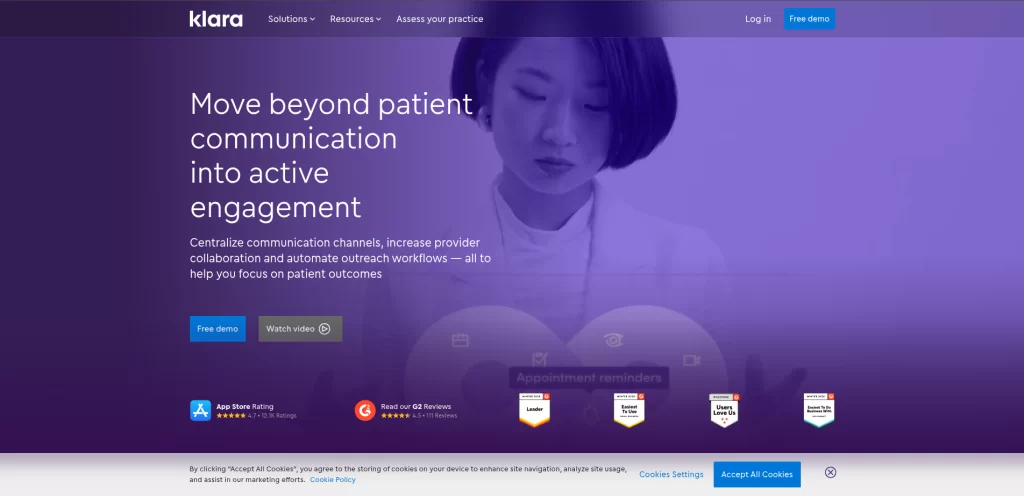
Klara
Practices wanting simplified two-way messaging
SMS-based patient messaging without an app
Contact for pricing
4.5/5
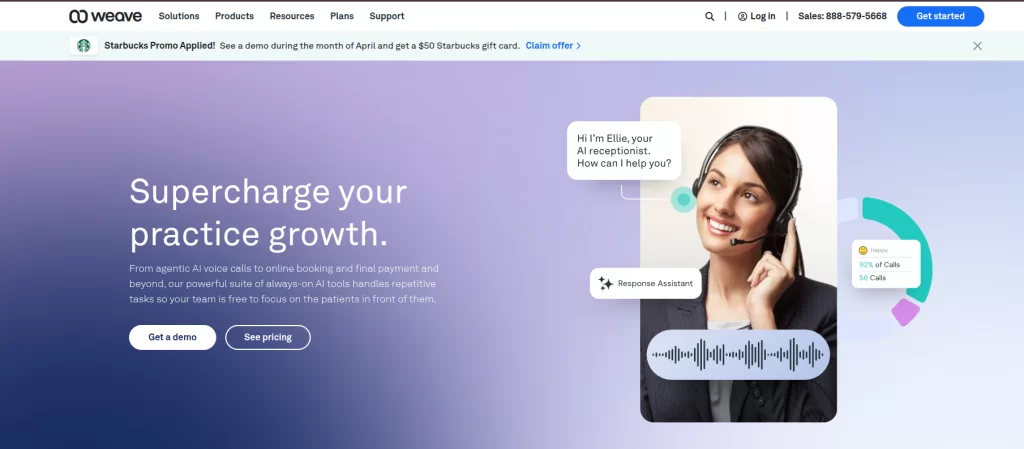
Weave
Dental & optometry practices with phone systems
VoIP + missed-call text-back integration
Contact for pricing
4.4/5
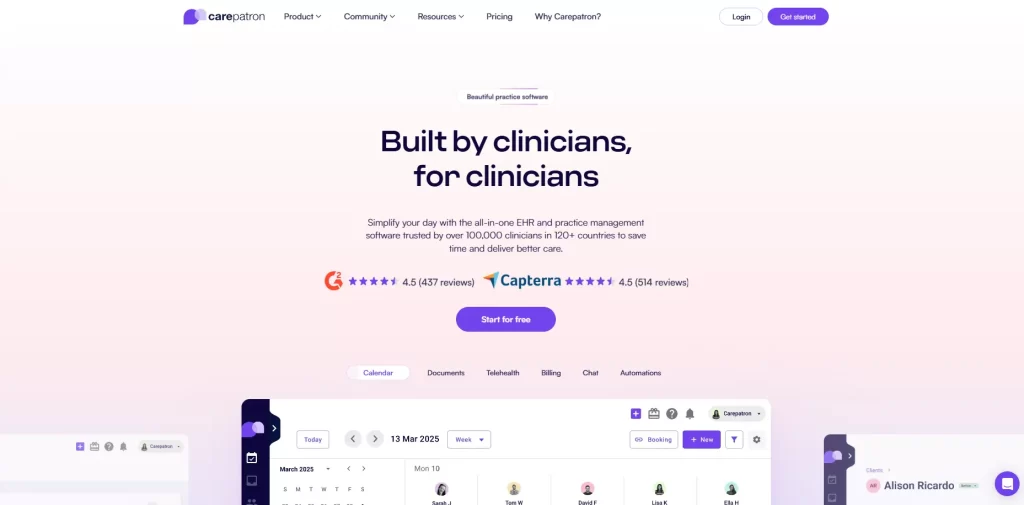
Carepatron
Solo practitioners & small allied health teams
Generous free tier with modern interface
Free plan available
4.5/5 (G2: 4.6/5)
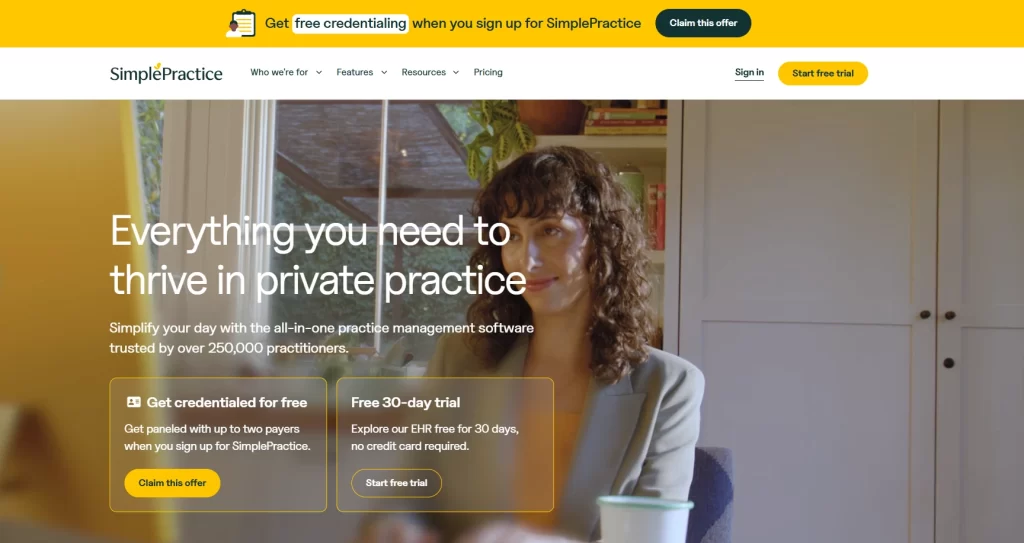
SimplePractice
Mental health, therapy & behavioural health
Telehealth + documentation for therapy workflows
Contact for pricing
4.6/5
Pabau: Best Patient Engagement Software for Aesthetic, Wellness & Multi-Specialty Clinics
Pabau is an all-in-one clinic management and patient management platform built for aesthetic, wellness, and multi-specialty private practices, and consistently appears in roundups of the top patient management software. Unlike engagement-layer tools that bolt on top of existing systems, Pabau manages the entire patient journey, from first booking through aftercare, inside a single platform. Clinics in medical aesthetics, dermatology, physical therapy, GP, longevity, weight loss, and fertility all use Pabau to replace multiple disconnected tools with one operational system.
The platform supports both single-location independent clinics and multi-site group practices. Its multi-location management tools allow shared client records, centralised reporting, and location-specific booking pages under one account. This makes Pabau particularly strong for clinic groups managing consistent patient experiences across multiple sites.
Key Features
Online booking with deposits: Branded booking pages with real-time availability, service and staff selection, and built-in deposit collection to reduce no-shows.
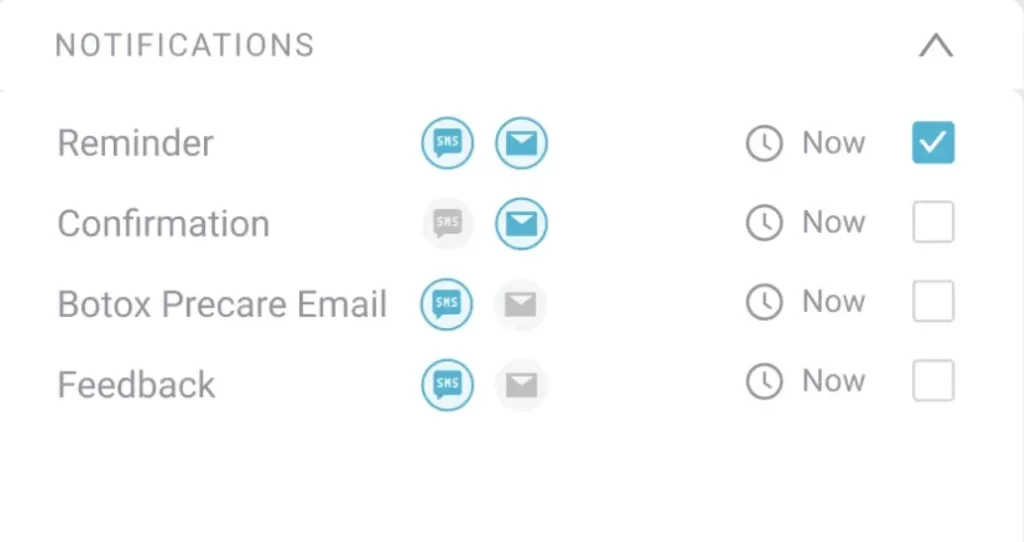
Automated pre and post-care messaging: Configurable workflows send intake forms, consent documents, pre-care instructions, and post-treatment aftercare automatically.
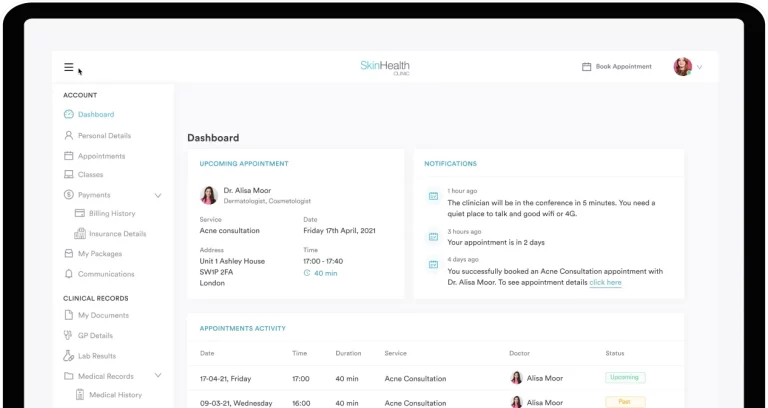
Client portal: Patients access their records, upcoming appointments, documents, and before-and-after photos through a dedicated client portal.
Digital forms and consent: Fully customisable digital forms replace paper intake, with e-signature capture and automatic attachment to client records.
CRM and recall campaigns: Built-in CRM with segmented email and SMS campaigns, automated recall messaging for treatment follow-ups, and win-back flows for lapsed clients.
Integrated POS and invoicing: Point-of-sale, package and course billing, gift cards, and memberships all managed within the platform.
Business intelligence dashboards: Revenue, appointment trends, staff KPIs, and marketing performance tracked in real time through the clinic dashboard.
Pabau Scribe: AI-assisted clinical note generation and documentation support via Pabau Scribe.
Pricing
Plan
Price
Who It’s For
Key Features
Custom
Contact for pricing
Single & multi-location clinics
Full feature set including booking, CRM, forms, POS, reporting
Where Pabau Shines
End-to-end patient journey: No other platform in this list combines booking, intake, consent, treatment notes, aftercare, and CRM in one system without third-party integrations.
Aesthetic and elective clinic fit: Pre-built workflows for cosmetic procedures, injection plotting, before-and-after photography, and treatment-specific consent forms align directly with medical spa and aesthetic clinic operations.
Multi-location scalability: Centralised management with location-level controls suits growing clinic groups where consistency of patient experience across sites matters.
Private-pay commerce features: Packages, gift cards, memberships, Klarna integration, and deposit collection make Pabau a genuine revenue tool, not just a scheduling system.
Automation depth: The automation engine handles recall, win-back, birthday messages, review requests, and care journey touchpoints without manual intervention.
Where Pabau Falls Short
Learning curve: The breadth of features means new users typically need onboarding support to configure the platform effectively, particularly for automation workflows.
Insurance billing: Pabau is optimised for private-pay clinics. Practices dependent on insurance claims management will find the platform less suited to that workflow compared to insurance-focused alternatives.
Occasional bugs: Some users report minor software bugs during platform updates, though support responsiveness is generally well-rated.
Customer Reviews
According to Capterra reviewers, Pabau holds a 4.5 out of 5 rating based on over 460 verified reviews. Users highlight “all-in-one functionality reducing the need for multiple tools” and “strong customer support and onboarding” as standout positives. On G2, the platform rates 4.7 out of 5, with reviewers praising calendar management and automated patient communication features.
Who Pabau Is Best For
Aesthetic and medical spa clinics that need booking, consent, and aftercare in one branded experience
Multi-location clinic groups wanting centralised patient records and reporting across sites
Private-pay wellness, longevity, or functional medicine practices scaling their client engagement
Clinics replacing multiple tools (booking software, CRM, forms, POS) with a single platform
See How Pabau Handles the Full Patient Journey
From the moment a patient books to their post-treatment follow-up, Pabau automates every touchpoint. Book a demo and see it in action for your clinic type.
NexHealth: Best Patient Engagement Software for EHR-Integrated Scheduling
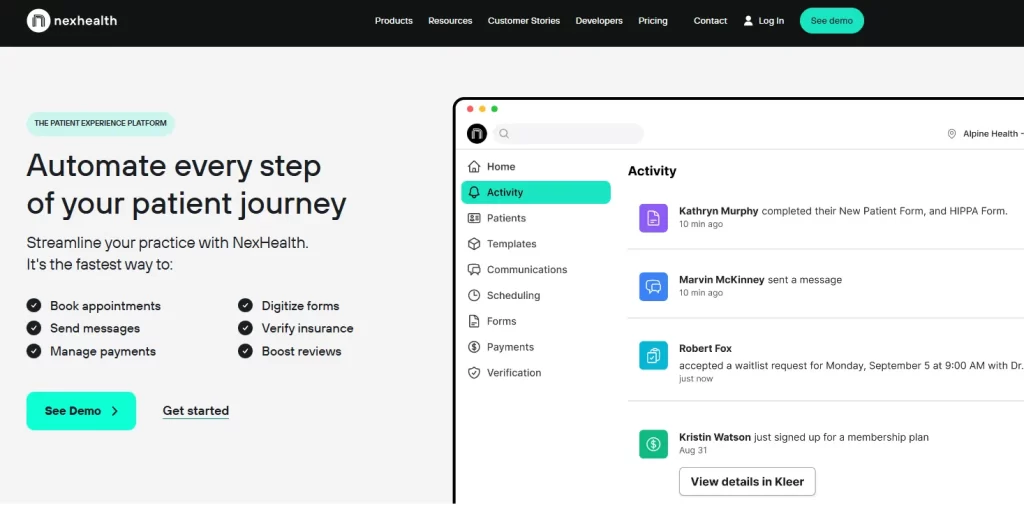
NexHealth is a patient engagement platform designed to sit on top of existing EHR systems, syncing scheduling, reminders, and communication data in real time with practice management software. It is widely used in dental practice software users and medical practices that already have an established EHR and need a modern engagement layer without replacing their core clinical system.
Key Features
Real-time EHR sync: Booking and scheduling data syncs directly with existing EHR platforms including Epic and Athenahealth (as of writing, verify current integration list at nexhealth.com).
Online patient scheduling: Patients self-book based on real-time provider availability without staff intervention.
Automated reminders: Appointment confirmations, reminders, and recall messages sent automatically.
Patient messaging: Two-way messaging between practice and patient through a web-based interface.
Digital intake forms: Pre-visit forms sent digitally, reducing front desk workload.
Pricing
Plan
Price
Who It’s For
Key Features
Custom
Contact NexHealth for rates
Dental & medical practices with EHR
EHR sync, scheduling, messaging, reminders
Where NexHealth Shines
Deep EHR integration removes double-entry between scheduling and clinical systems
Patient booking experience is clean and frictionless for self-scheduling
Strong adoption in dental and multi-provider medical practices
Where NexHealth Falls Short
Limited functionality outside of scheduling and communication, making it an add-on rather than a complete platform
Higher price point relative to what is offered
Customer support response times vary according to user reviews
Customer Reviews
According to Capterra reviewers, NexHealth holds a 4.6 out of 5 rating. Positive feedback consistently centres on reliable EHR sync and smooth patient scheduling. Some reviewers note that functionality outside the scheduling and messaging scope is limited, making it more appropriate as an engagement layer than a standalone platform.
Who NexHealth Is Best For
Dental and medical practices already running Epic, Athenahealth, or similar EHR systems
Practices that want to modernise their patient scheduling without replacing their core clinical platform
Phreesia: Best for Insurance-Based Patient Intake Workflows
Phreesia specialises in patient intake and insurance payment collection. Its core strength is replacing paper-based check-in processes with digital intake, insurance verification, and automated payment collection. The platform is widely used in primary care, specialty practices, and larger health systems running insurance-heavy billing models. According to the Phreesia product page, the platform supports patient messaging, annual wellness visit templates, and direct communication tied to upcoming visits.
Key Features
Digital patient intake: Paperless check-in with insurance verification and eligibility checking built in.
Patient messaging: Direct text messaging for upcoming visits and follow-up communications.
Payment collection: Automated AR management and patient payment processing integrated into the intake flow.
Appointment reminders: Automated pre-visit communications with configurable templates.
Reduces front desk workload through automated intake and check-in
Insurance payment collection and AR management are among the strongest in this category
Scales well for larger primary care and specialty practice environments
Where Phreesia Falls Short
Complex to set up and implement, requiring significant configuration time
Not well-suited for private-pay or elective clinics where insurance workflows are not the primary model
Reporting navigation can be difficult for smaller practice teams
Customer Reviews
According to Capterra, Phreesia holds a 4.3 out of 5 rating. Users consistently praise its intake and check-in automation and the reduction in front desk manual tasks. The most common criticism is setup complexity and limited suitability for practices outside insurance-driven billing models.
Who Phreesia Is Best For
Primary care and specialty practices with high insurance claim volumes
Health systems looking to digitise patient intake and automate co-pay collection at check-in
Pro Tip
Audit your patient engagement drop-off points before selecting software. If patients abandon intake forms before appointments, digital intake tools like Phreesia or Pabau’s digital forms solve that. If they’re not responding to reminders, look at two-way messaging platforms like Klara or Weave. Match the tool to your actual friction point, not just the feature list.
Klara: Best for Two-Way Patient Messaging Without an App
Klara focuses on one thing: making patient communication simple. Its platform enables two-way SMS messaging between clinic staff and patients without requiring patients to download an app. This frictionless approach to messaging has made Klara popular in dermatology, plastic surgery, and multi-provider practices where reducing inbound phone call volume is a priority. Klara integrates with various EHR systems as a communication layer rather than replacing the practice management system.
Key Features
SMS-based two-way messaging: Patients respond via text without downloading an app, reducing barriers to communication significantly (as of writing; verify current feature scope at klara.com).
Team inbox: Shared practice inbox allows multiple staff to manage patient messages with routing and assignment.
Automated reminders: Pre-visit confirmations and follow-up messages sent automatically.
EHR integration: Communication data flows into connected EHR systems to maintain record continuity.
Pricing
Plan
Price
Who It’s For
Key Features
Custom
Contact Klara for rates; pricing scales with practice size
Multi-provider practices with existing EHR
Two-way SMS, team inbox, automated reminders, EHR sync
Where Klara Shines
Dramatically reduces inbound phone call volume, freeing front desk staff for higher-value tasks
No patient app requirement lowers the barrier to engagement significantly
Clean, intuitive interface for both staff and patients
Where Klara Falls Short
Limited beyond messaging, with no native booking, POS, or clinical documentation capability
Pricing scales with practice size, making it less cost-effective for larger organisations
Some integration limitations reported with certain EHR systems
Customer Reviews
According to Capterra, Klara holds a 4.5 out of 5 rating. Reviews frequently mention the significant reduction in phone call volume as the primary business impact. On G2, the platform also rates 4.5, with users noting its simplicity as a key differentiator. The consistent criticism is that Klara solves the communication problem well but leaves practices still needing separate tools for everything else.
Who Klara Is Best For
Practices with high inbound phone volumes that want to shift communication to text
Multi-provider clinics with existing EHR investments looking for a messaging add-on
Weave: Best for Phone-Centric Dental and Optometry Practices
Weave combines a VoIP phone system with patient engagement features. Its standout capability is missed-call text-back, where an automated text message goes to any patient who calls and does not get through. This phone-first architecture makes Weave particularly strong in dental and optometry settings where inbound call management is a significant operational challenge. Weave is less suited to clinics without a traditional phone-based front desk model.
Key Features
VoIP integration: Phone system and patient engagement tools combined, with call tracking and analytics built in.
Missed-call text-back: Automated text response to missed calls, recovering potential appointment opportunities.
Appointment reminders: SMS and email reminders with two-way confirmation.
Review requests: Automated post-visit review solicitation to Google and other platforms.
Missed-call text-back is a measurable revenue recovery tool for phone-heavy practices
VoIP integration gives communication analytics unavailable in pure messaging platforms
Strong adoption and workflow familiarity in dental and optometry practices
Where Weave Falls Short
Contract lock-in concerns are consistently raised in user reviews
Support quality is reportedly inconsistent across different markets
Not designed for complex clinical workflows, making it unsuitable as a primary platform
Customer Reviews
According to Capterra, Weave holds a 4.4 out of 5 rating. The missed-call text-back feature receives the most consistent praise across reviews. On G2, the platform also rates 4.4, with contract terms and support inconsistency noted as the most common points of friction.
Who Weave Is Best For
Dental and optometry practices managing high inbound call volumes
Clinics that want to add VoIP and communication analytics without replacing their practice management software
Carepatron: Best Patient Engagement Software for Solo Practitioners and Small Teams
Carepatron is a practice management and patient engagement platform built with accessibility as its primary design principle. Its free tier, which includes a range of core engagement features, makes it the most accessible entry point in this comparison. Solo practitioners, counsellors, physiotherapists, and small allied health teams use Carepatron as an affordable alternative to enterprise platforms. According to verified listings, Carepatron offers a free plan that covers basic scheduling, client management, and messaging.
Key Features
Free tier with core features: Scheduling, client records, and basic communication tools available at no cost for solo practitioners.
Clean modern interface: Designed for ease of use without requiring technical configuration.
Client portal: Patients access their documents and appointment information through a patient-facing portal.
Telehealth: Built-in video consultation capability for remote appointments.
Pricing
Plan / Tier
Price
Details
Free
$0/month
Unlimited clients; telehealth; 1GB storage; AI scribe
Plus
$22/month per user
Save 50% for 6 months
Advanced
$27/month per user
Save 50% for 6 months
Custom/Enterprise
Contact sales
No specific price listed
Where Carepatron Shines
Free tier makes it genuinely viable for practitioners just starting out or managing tight budgets
Interface is clean and modern, reducing the intimidation factor of onboarding
Good for solo allied health practitioners who need scheduling, notes, and basic messaging in one tool
Where Carepatron Falls Short
Feature depth does not scale well for multi-location practices or high-volume clinical environments
Reporting and analytics are limited compared to platforms like Pabau
Fewer third-party integrations than enterprise-grade alternatives
Customer Reviews
According to Capterra, Carepatron holds a 4.5 out of 5 rating. On G2, it reaches 4.6 out of 5, making it one of the highest-rated platforms by user satisfaction in this comparison. Reviewers consistently highlight affordability and interface design. The recurring limitation noted is insufficient depth for practices growing beyond solo or small-team operations.
Who Carepatron Is Best For
Solo practitioners in allied health, counselling, or physiotherapy starting out or managing lean overhead
Small teams that need basic scheduling, notes, and communication without enterprise complexity
SimplePractice: Best for Mental Health and Behavioural Health Practices
SimplePractice is a purpose-built platform for mental health, therapy, and behavioural health practitioners. With over 250,000 private practice clinicians using the platform (as stated on simplepractice.com), it is one of the most widely adopted practice management tools in its category. Its patient engagement features, including automated reminders, telehealth, a client-facing portal, and documentation tools, are tightly integrated around the therapy and counselling workflow.
Key Features
Telehealth: Fully integrated video sessions within the platform for remote therapy appointments.
Client portal: Patients schedule, complete intake forms, access documents, and pay invoices through a unified portal.
Automated reminders: Appointment reminders and follow-up messages reduce no-show rates.
Documentation tools: Progress notes, treatment plans, and discharge summaries with built-in templates for mental health workflows.
Insurance billing: Claims submission and insurance billing management integrated into the platform.
Telehealth and session documentation are tightly integrated, reducing admin between clinical and operational tasks
Large community of therapy practitioners creates strong peer-support and resource ecosystem
Client portal is well-designed for the therapy patient journey specifically
Where SimplePractice Falls Short
Not designed for aesthetic, elective, or multi-specialty clinical environments
No inventory management, POS, or product sales capability
Can feel restrictive for practices outside behavioural health where clinical documentation needs differ significantly
Customer Reviews
According to Capterra, SimplePractice holds a 4.6 out of 5 rating, one of the highest in this comparison. On G2, it also rates 4.5. Reviews consistently highlight its suitability for mental health workflows and the strength of its telehealth tools. Practitioners outside therapy note that the platform’s opinionated design limits flexibility for other care models.
Who SimplePractice Is Best For
Individual and group therapy, counselling, and behavioural health practices
Mental health practitioners who need telehealth, documentation, and billing in one behavioural health-specific platform
Pro Tip
Run a structured evaluation using three scenarios before committing to any patient engagement platform: (1) a new patient booking their first appointment, (2) an existing patient receiving a recall message and rebooking, and (3) a staff member handling a rescheduling request during a busy clinic day. How the software handles all three workflows reveals more than any feature checklist.
How to Choose the Best Patient Engagement Software for Your Clinic
The best patient engagement software for your practice depends on your clinical model, billing structure, and where your patient journey currently breaks down. If no-shows are that breaking point, our roundup of the best appointment reminder tools compares the systems built to fix it; if the gap is lapsed patients who never rebook, the best patient recall software tackles that side of the journey instead. Ground your shortlist in a broader digital patient engagement strategy before comparing vendors. Use these five criteria to narrow your decision.
Care model alignment: Insurance-billed primary care needs intake and AR management tools (Phreesia). Private-pay aesthetic and wellness clinics need booking, CRM, and aftercare automation (Pabau). Mental health practices need telehealth and behavioural documentation (SimplePractice). Identify your model before comparing features.
All-in-one vs. engagement layer: If you already have an EHR you cannot replace, NexHealth or Klara add engagement capability on top. If you are building or rebuilding your stack, platforms like Pabau consolidate more functions, reducing integration complexity and subscription overhead. See how Pabau compares as an EHR integration alternative for practices evaluating their tech stack.
Pricing model and growth stage: Solo practitioners benefit from Carepatron’s free tier. Scaling multi-location clinics need platforms with tiered permissions, centralised reporting, and automation depth. Budget for implementation and training time, not just licence fees.
Compliance requirements: HIPAA compliance is non-negotiable for US-based practices. GDPR applies across the UK and EU. Verify that any platform you evaluate meets the regulatory requirements relevant to your geography before signing a contract. Pabau’s HIPAA compliance page and GDPR documentation outline their security posture.
Patient experience touchpoints: Map every touchpoint from first booking to post-visit follow-up. The best platform covers the most touchpoints without requiring separate tools. Pabau’s automated workflow tools handle the full journey, making it the broadest option across all five criteria for aesthetic and multi-specialty clinics.
Continue your research
Want direct feedback on the patient experience?Patient satisfaction survey template covers quality of care, communication, and cost on a simple scoring scale.
Running a medical spa and evaluating your tech stack?Medical Spa Software outlines how Pabau’s platform is built specifically for the aesthetic and elective medicine workflow.
Storing patient data in your CRM?HIPAA compliant CRM guide explains what separates a HIPAA compliant CRM from a general-purpose one.
Exploring patient portal options for your clinic?Patient Portal Software explains what to look for in a client-facing portal and how it affects engagement and satisfaction.
Conclusion
Choosing the best patient engagement software comes down to one question: which platform covers the most of your patient journey without requiring multiple disconnected tools to fill the gaps? For aesthetic, wellness, and multi-specialty private-pay clinics, Pabau delivers the most complete answer, combining online booking, digital intake, automated pre and post-care messaging, CRM, and business intelligence in a single system designed for clinical environments. Clinics that also want calls, texts, emails, and web chat in one place can add omnichannel patient engagement software.
If you run a private practice and want to see how automated patient engagement performs in a live clinic environment, book a demo to walk through how Pabau handles your specific workflow from first booking to aftercare follow-up.
Frequently Asked Questions
What is patient engagement software?
Patient engagement software is a digital platform that manages communication, scheduling, intake, and follow-up between healthcare providers and their patients. It automates touchpoints like appointment reminders, pre-visit forms, post-care instructions, and recall campaigns, reducing manual admin while improving patient experience across the care journey.
What features should patient engagement software include?
Core features include online booking, automated appointment reminders, digital intake forms, two-way messaging, a patient-facing portal, post-visit follow-up communications, and integration with your clinical or practice management system. More advanced platforms add CRM segmentation, recall campaign automation, patient satisfaction surveys, and business analytics dashboards.
How does patient engagement software reduce no-show rates?
Automated reminders sent 48-72 hours before appointments, combined with one-tap confirmation responses and deposit requirements at booking, are the three most effective no-show reduction mechanisms. Platforms like Pabau allow clinics to layer all three simultaneously: timed SMS reminders, confirmation workflows, and upfront payment collection through the booking flow.
What is the best patient engagement software for small practices?
Carepatron is the most accessible option for solo practitioners due to its free tier and simple setup. For small practices that anticipate growth or run multi-service elective care models, Pabau offers stronger automation and CRM depth that scales without requiring a platform switch later.
How does patient engagement software integrate with EHR systems?
Integration approaches vary significantly. NexHealth and Klara are designed as engagement layers that sync with existing EHRs, meaning scheduling and messaging data flows into the clinical record without replacing the core system. Pabau takes an all-in-one approach, embedding patient engagement directly within its clinical record and practice management environment, eliminating the need for a separate EHR integration in most private-pay clinic contexts.