
 Maja Popovska

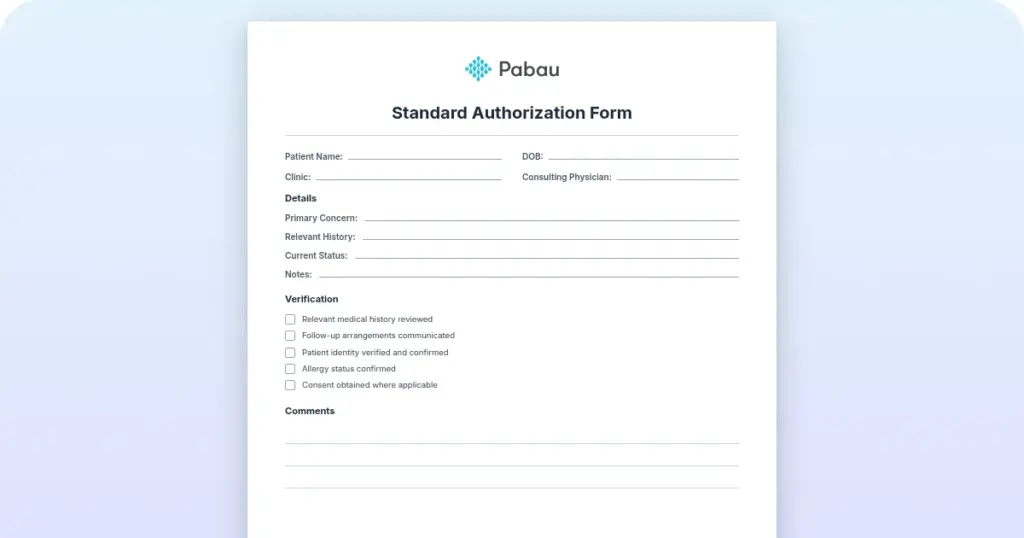
Standard authorization form
What is a standard authorization form? A standard authorization form records a p...

3
Last Updated: Nov 13, 2026
Free PDF 1 page, print-ready Clinician-reviewed
A statement of pregnancy is a signed letter in which a licensed healthcare provider confirms that a patient is pregnant. It usually adds the estimated due date and the practice's details. Employers, benefits programs, and airlines often ask for one before they approve leave, enrollment, or travel. This guide covers when patients need one, which details to include, and the rules that change by state and program.
A one-page letter with fields for the patient's details, gestational age, LMP, and the estimated conception and delivery dates.
Start from scratch, or upload this PDF or any form you already use, and Pabau's AI Form rebuilds it with tick boxes, text fields and a signature. Attach it to the treatment once, and every patient gets it on time.
AI Form rebuilds the consent, history and aftercare forms you already use. You review each one, then publish.
Patients complete forms on their phone before they arrive, so the front desk stops retyping paper.
Every signed form is versioned and attached to the treatment record, ready when you need it.
Set how long a consent stays valid. Returning patients skip forms they have already signed.
Supports HIPAA and GDPR compliance AES-256 encryption 4.8 on G2 4.7 on Capterra Trusted by 4,000+ practices worldwide

A statement of pregnancy is a signed letter that confirms pregnancy for an employer, benefits office, or airline.
Most requests need the patient’s name and date of birth, the estimated due date, and the provider’s signature.
FMLA leave, airline travel, and WIC or Medicaid enrollment each set their own documentation rules.
Share only what the requester needs, and get the patient’s written authorization before anything goes to an employer.
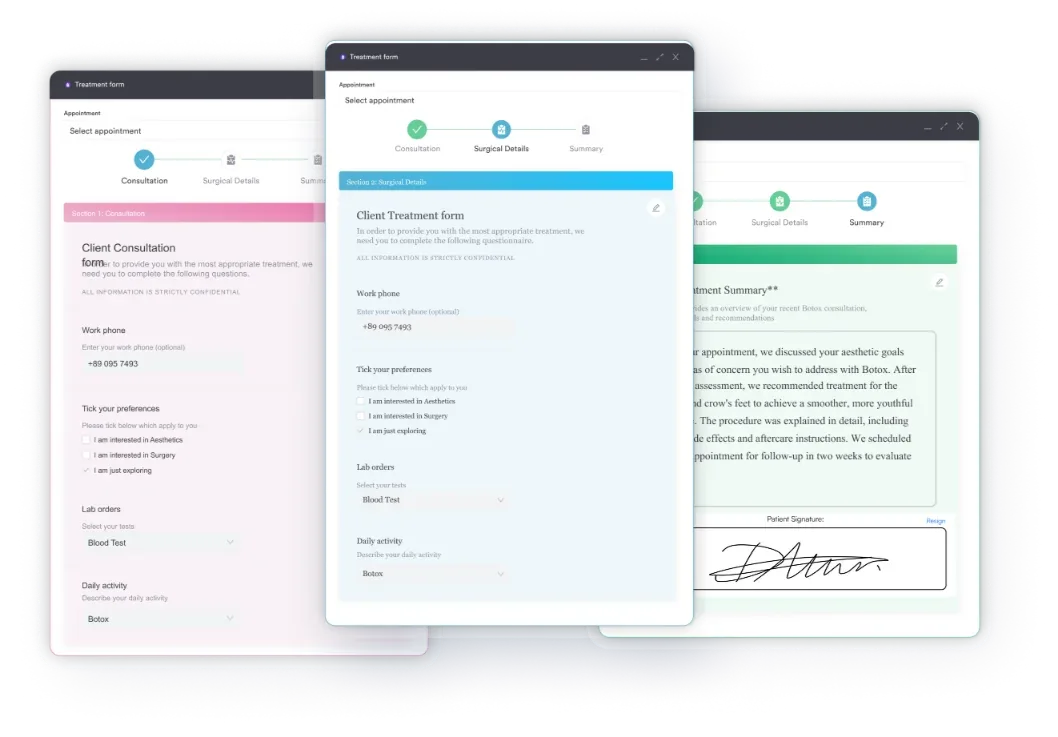
Digital forms and e-signatures in practice software such as Pabau keep each signed letter on the patient record.
A statement of pregnancy is a short, signed letter that gives a third party official confirmation without releasing the full clinical chart. The employer, benefits office, or airline gets a reliable record instead of a verbal report.
Most versions include the following details:
The free template also has fields for the last menstrual period (LMP) and the estimated conception date. Only include what the requesting organization needs. Full clinical notes, history, and test results stay in the chart.
Issuing the letter takes four steps: Verify the patient, confirm the dates, get the provider’s signature, and file a copy.
Check the due date against the latest dating scan before signing. Note clearly when the estimate comes from a last menstrual period or a home test. Employers and benefits offices may ask how the date was set.
Many practices collect patient details through digital intake forms, so the details carry over from the record instead of being typed twice.
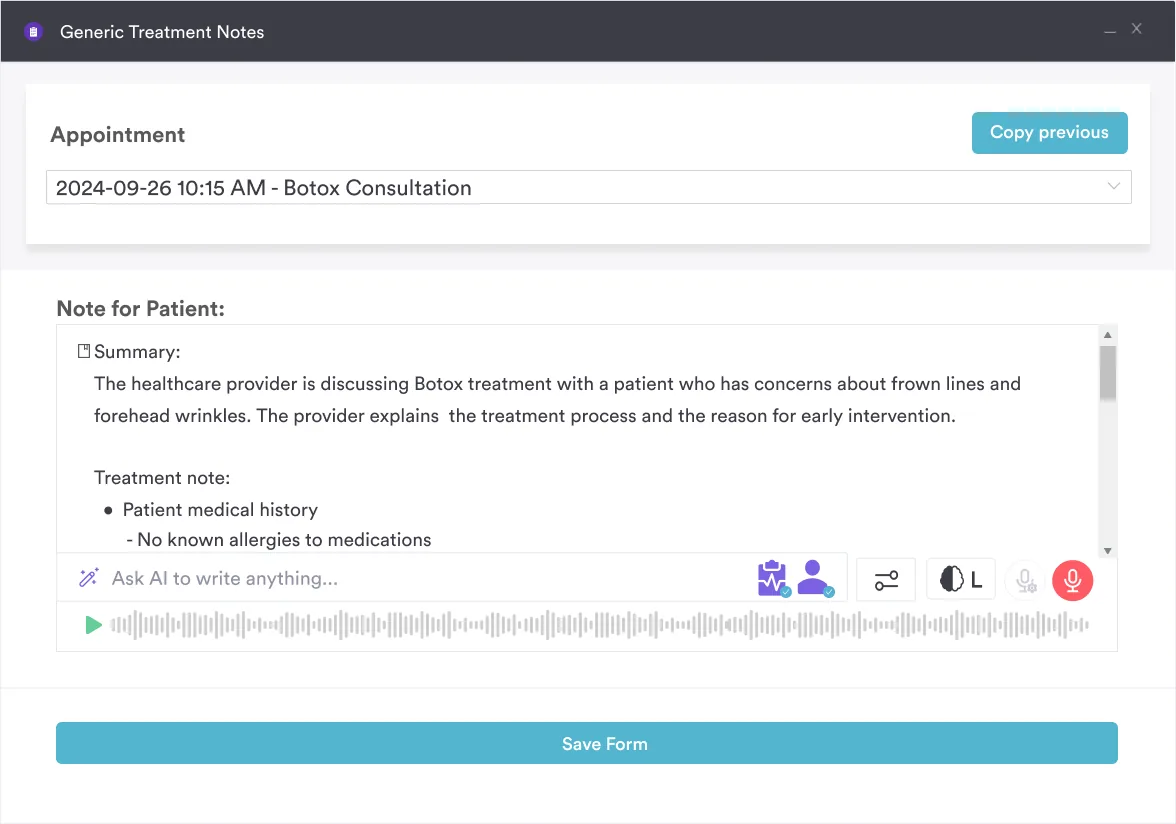
If your team drafts notes with AI-assisted clinical documentation, check that the letter’s dates match what the note records.
Patients usually need one when an employer, benefits office, or airline asks for confirmation before acting. Each of the three checks different details, so confirm the requester’s rules before the provider signs.
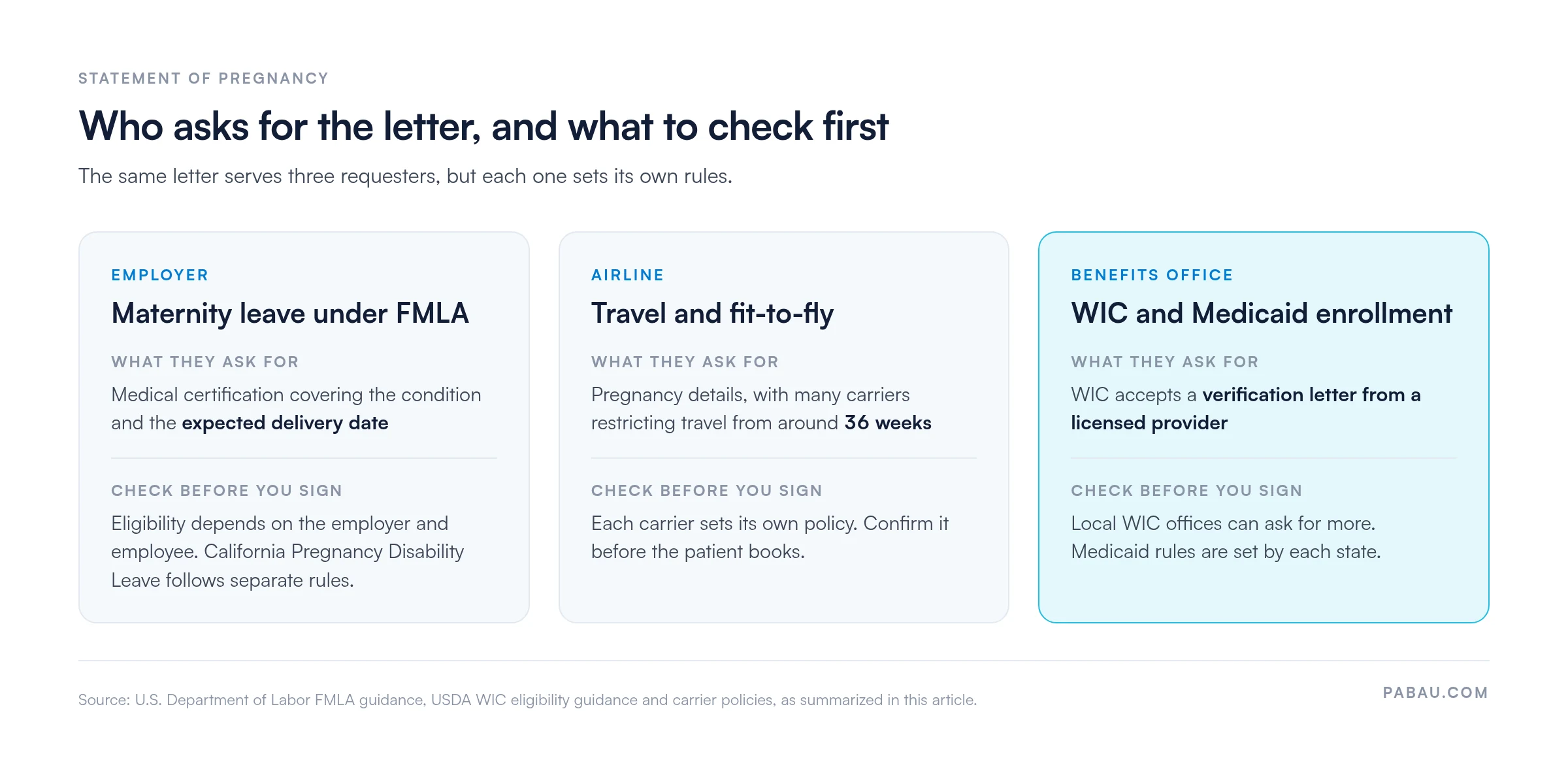
Under the Family and Medical Leave Act, employers can ask for medical certification before approving leave. Pregnancy-related conditions can qualify (Department of Labor FMLA guidance). The certification typically asks the provider about the condition and the expected delivery date. A statement that already records those details can speed up the request.
Eligibility depends on the employer and the employee, and California Pregnancy Disability Leave follows separate rules. Check the requirements that apply where the patient works.
Airlines set their own rules for pregnant passengers, and many restrict travel from around 36 weeks. A statement of pregnancy can supply the pregnancy details, but confirm the carrier’s policy before the patient books.
WIC accepts a verification letter from a licensed healthcare provider, according to USDA WIC eligibility guidance, but local offices can ask for more. Medicaid rules are set by each state, so confirm what the local agency accepts before issuing a letter.
OBGYN, fertility, and primary care practices issue most statements of pregnancy. Teams running an obstetric or gynecology service can build the letter into their intake and admin workflow. Our OBGYN practice software page covers how that setup works.
After a positive test following treatment, a fertility practice is often the first to be asked for the letter. Software for fertility practices keeps that result on the same record the letter draws from.
A standard template gives every provider the same fields, so employers and benefits offices receive consistent information. Staff spend less time drafting and checking letters, and the provider gets a clear checklist before signing.
Privacy sets the limits. Disclosing health information to an employer generally requires the patient’s written authorization under HIPAA. Check whether a request needs that authorization before anything is sent.
On paper, staff retype the patient’s details into a letter, print it, chase a wet signature, and scan the signed copy back into the chart. Every new request repeats those steps.
Pabau, the practice management platform we build, turns the letter into a clinical form attached to the patient record. The provider signs it electronically, and the signed copy stays on that record.
Patients can receive and return paperwork through the Client Portal, so your front desk isn’t fielding calls for copies. The copy the patient holds and the copy in the chart stay identical.
To see forms, e-signature, and patient records working together, book a demo with the Pabau team.

Pabau’s digital forms and e-signature keep every signed statement on the patient record, so staff stop retyping details for each request.
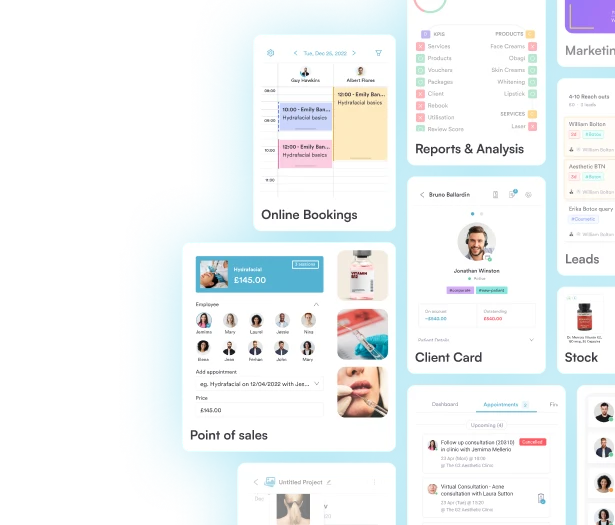
A pregnancy letter is a small document, but a late or inconsistent one can hold up a patient’s leave, benefits, or travel. The fix is a single template, checked against the chart and matched to each requester’s rules.
Set the template up once, decide who signs, and send only what each requester needs. The one trade-off is the privacy check, which still needs a person before anything reaches an employer.
Book a demo to see how Pabau turns each pregnancy letter into a signed form that stays on the patient record.

Tracking fetal growth after the dating scan? Prenatal growth chart lists fetal length and weight by week.
Planning postpartum follow-up? Nursing postpartum assessment walks through the BUBBLE-HE checks.
Want patients to log symptoms between visits? Pregnancy journal template gives them a structured place to record them.
Supporting nutrition in pregnancy? Pregnancy nutrition tracker helps patients log meals and supplements.
Running routine gynecology checks? Women’s wellness exam template covers the history and exam fields to record.
A statement of pregnancy is a provider-signed letter confirming pregnancy for a third party. It is a summary rather than a clinical note, so it should match what the chart already records.
A midwife can sign only where their license and local rules allow it, and that varies by state and country. Confirm the scope of practice in your jurisdiction before the midwife signs, and keep the wording consistent with the chart.
No, a home pregnancy test alone is generally not accepted as formal proof for employer or benefits purposes. A provider’s confirmation, often backed by a clinical test or scan, is the usual route.
Not always, because eligibility depends on the employer, the employee, and the leave requested. Where an employer asks for medical certification, a provider’s statement can supply the details it requires.