HCPCS code L0638: Custom fabricated LSO billing guide
HCPCS code L0638 is a brace built for one patient HCPCS code L0638 is the Level ...

Last Updated: Nov 2, 2026
E0159 is the HCPCS Level II code for brake attachment for wheeled walker, replacement, each.
HCPCS code E0159 pays for a brake attachment on a wheeled walker, supplied as a replacement and billed one unit each. It is a Level II HCPCS code, and it sits in the E0100-E0159 walking aids range.
The description is short. Behind it sits the rule that trips claims up. E0159 only works when you replace a brake on a walker the patient already owns. Fit that same brake to a brand-new walker and it belongs to the base walker code instead.
So every E0159 claim turns on one question. Did this walker already belong to the patient? Answer that in the file, and the modifier, the paperwork, and the payment all follow from it.
Let Pabau's smart automation suggest the right codes, reduce claim denials, and keep your practice compliant—effortlessly.
Automate repetitive tasks and focus on what matters most—your patients.
Reduce coding errors and ensure compliance with the latest regulations.
Clean claims, fewer denials, and faster reimbursements.
Powerful insights and reporting to help your practice thrive.
HIPAA compliant SOC 2 certified GDPR-compliant Trusted by 4,000+ clinics worldwide

HCPCS code E0159 covers a brake attachment for a wheeled walker, supplied as a replacement and billed one unit each.
Medicare Part B pays for E0159 only when the base wheeled walker is already covered and the physician documents the need.
E0159 is a replacement code, so billing it beside a new walker order is a bundling error that invites a denial.
The RA modifier belongs on almost every E0159 claim, while KX is the weight attestation for heavy-duty walker codes.
Practice management software like Pabau keeps the order, the assessment, and the delivery record on one patient file.
The official description held by the Centers for Medicare & Medicaid Services (CMS) reads: Brake attachment for wheeled walker, replacement, each. Put that exact wording on the claim rather than a paraphrase such as “walker brake kit”.
Three limits are packed into those seven words. It is a brake, so no other accessory shares the code. It is an attachment, so it never stands in for a walker. And it is a replacement, so it assumes a walker already in service.
One mix-up is worth heading off now. E0159 is the brake code, not the seat code. A seat attachment for a walker is E0156. Swapping the two is a common submission error, and it shows up in DMEPOS audits, so check the component before you pick the code.
Coverage sits under the Part B DMEPOS benefit, governed by CMS Policy Article A52503 for walkers. None of it is automatic. All three conditions below have to hold before a claim survives review.
There is a fourth way to lose the claim, and it has nothing to do with the patient. If the brake was part of the original walker supply, it was already paid for once. That single distinction drives most E0159 denials, and the bundling section below unpacks it.
Medical necessity comes from the treating physician’s clinical assessment, not from the supplier. The note has to name the functional impairment and explain why brakes matter for this patient. Gait instability, fall risk, and lower-extremity weakness that needs controlled deceleration all point the same way.
Much of that evidence starts outside the physician’s chart. Gait and transfer notes from physical therapy practices carry the detail a reviewer looks for.
A scored measure helps too, because a number is harder to argue with than an adjective. The Harris Hip Score, for example, puts a figure on function before and after the equipment goes in.
Now the part that has changed. Forget the Certificate of Medical Necessity. CMS discontinued CMNs and DME Information Forms for every DME claim on January 1, 2023. Medicare now wants a standard written order, or SWO, signed and dated by the treating practitioner.
An SWO carries five things. It names the beneficiary, dates the order, describes the item, states the quantity, and carries the prescriber’s signature. Some DMEPOS items also need that order in hand before you deliver, which is the written order prior to delivery, or WOPD. Check the current CMS list against the walker base code first. A paid claim can still be underpaid, and the electronic remittance file is where that shows up. When a claim on this code comes back unpaid, the denial reason codes on the remittance name the cause.
Thin documentation is the single biggest cause of E0159 denials, and the supplier owns the file. You have to collect and hold the records before the claim goes out, not after a reviewer asks. Good medical documentation practices are what keep post-payment recoupments away.
Here is what a compliant E0159 file holds:
Store all of it somewhere you can search. CMS can request documentation retroactively for any DMEPOS claim inside the audit window, and suppliers should keep records for at least seven years. Longer retention rules can apply by state.
Flag every E0159 file with the original walker delivery date at intake. If the brake is replaced inside the first year of supply, expect the MAC to look closely. Write down the reason for the early replacement, whether that is damage, wear, beneficiary weight, or a change in the patient’s condition.
The paperwork makes more sense once you can see where each piece enters. A clean E0159 claim moves through six steps:
A seventh step is always possible. If the claim is selected for review, the MAC writes to you with a deadline for the file.
Miss that deadline and the claim is treated as though no documentation existed at all. A routine medical chart audit is the cheapest way to find those holes first.
With software for managing patients, DME prescriptions stay linked to the assessments that justified them.
E0159 is paid from the DMEPOS fee schedule, not the Physician Fee Schedule. Rates update every year, and some regions carry locality adjustments.
Check current allowed amounts on the CMS DMEPOS fee schedule before you bill, because the table below describes structure rather than a fixed price.
Suppliers in a competitive bidding area should also confirm whether E0159 falls inside a bidding product category for their region.
CGS Medicare, the DME MAC for that jurisdiction, publishes coding guidance covering walker accessories. Coding verification itself is handled by the PDAC contractor, which is a separate CMS contract.
Private payers build their schedules on different logic, and accessory-level pricing is where they diverge most. The Bupa fee schedule is a useful comparison if you also bill outside Medicare.
Bundling is the constraint that decides whether E0159 gets paid. CMS Policy Article A52503 is blunt about it. Accessories supplied with a new walker at initial provision are bundled into the base walker code. No accessory code may be billed alongside them.
So E0159 becomes separately billable in one situation only. The brake has to be a true replacement for one that no longer works, on a walker the beneficiary already has. Billing E0159 with a new walker order is an unbundling violation and an improper payment under CMS guidance.
There is a simple guard against it. Before the claim leaves, look for a base walker code on the same date of service for that patient. If one is there, the brake is bundled, and the accessory line has to come off. A rigid wheeled walker on that order bills as HCPCS code E0141. Its glide brakes are included on initial issue, which is what makes the E0159 line redundant.
RA is the modifier that matters on E0159. It tells the MAC that the item is a replacement rather than a duplicate or an unbundled supply. Modifier rules do shift between years, so confirm current requirements with your MAC before you submit.
RA sits on almost every E0159 line, because the code is a replacement by definition. RB narrows that to a component part. KX is worth a second look, since it gets attached to accessory lines by habit.
Under Policy Article A52503, KX on a walker claim attests that the beneficiary weighs more than 300 pounds. That supports heavy-duty codes E0148 and E0149. It is not a general replacement or documentation flag for E0159. Leave it off unless your own MAC article asks for it by name.
The replacement-only rule reads clearly until an order arrives with two walkers on it. These three patterns cover almost everything a DMEPOS billing team sees.
Scenario three is the one that clears submission and comes back months later in an audit. Each E0159 line should point at the specific walker the brake attaches to. Your documentation then links the replacement to that existing equipment record, not the new order.
Five questions catch nearly every avoidable E0159 denial. Ask them while the claim is still editable:
A single no on that list is cheaper to fix now than to appeal in four months.
E0159 is one of a small family of walker codes, and knowing the neighbors stops most miscoding. The table shows the base walkers E0159 can attach to, plus the accessories that get confused with it.
It replaces the wheels instead of the brakes, and it bills per pair rather than each, so the quantity field behaves differently. A worn walker tip takes A4637 instead, billed one unit per tip and only on a walker the patient already owns.
When one walker needs both leg extensions and a new brake, each accessory takes its own claim line. Rolling several accessory codes into one line invites a denial, and so does folding them back into the base walker code. If you move between code sets all day, a medical coding cheat sheet keeps the conventions straight.
The prescribing physician picks the diagnosis code, not the supplier.
Even so, check that the diagnosis on the order matches the covered indications in Policy Article A52503 before you bill. A diagnosis that does not support the need for a wheeled walker sinks the claim on its own. The rest of the file cannot rescue it.
The codes below turn up most often on wheeled walker orders and brake replacements. Treat it as a starting point rather than a closed list, and always take the most specific code the documentation supports.
One trap sits in that table. G20 stopped being billable as a parent code, so a Parkinson’s diagnosis has to arrive as a subcode such as G20.A1 or G20.C. A claim carrying the old header code will bounce before anyone reads the walker documentation.
Most DMEPOS files live in more than one place at once:
So when a review letter lands, someone loses an afternoon to assembling it all.
Practice management software like Pabau keeps that material on a single patient record. Intake forms and consents are completed digitally and filed against the patient automatically.
Scanned orders, letters, and delivery paperwork attach to the same record.
Invoices and payments then sit next to the visit that produced them. So the file is already assembled when a payer asks for it, and nothing depends on whether a paper slip reached the right folder. Retention and access controls are handled in the same place through compliance management software.
One point on scope, because it matters here. Pabau’s claims management works with private insurer claims, so it does not price Medicare DMEPOS lines or apply HCPCS modifiers on your behalf. What it does is hold the clinical and delivery documentation those claims stand on.
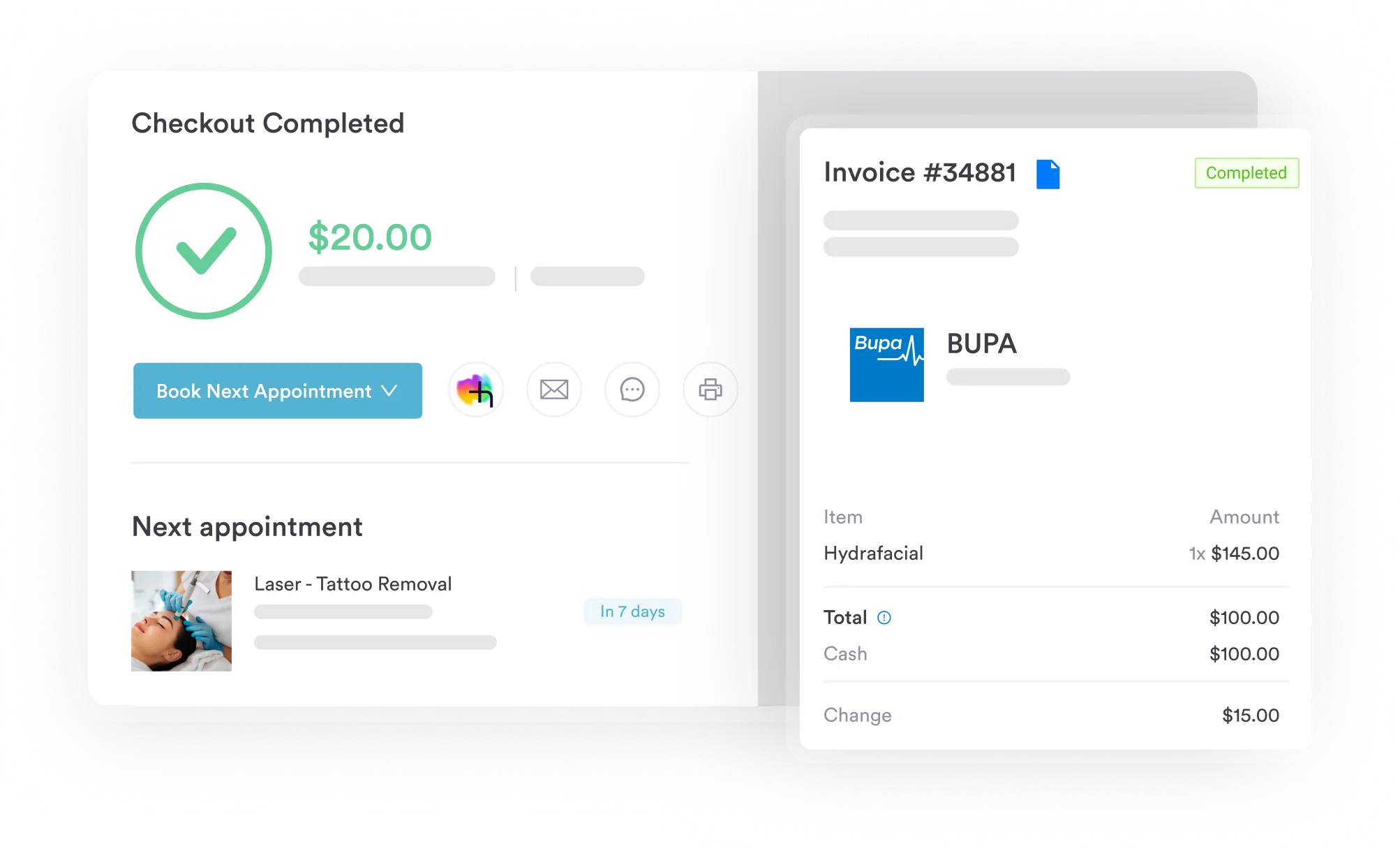

Pabau files intake forms, signed consents, scanned orders, and invoices against the same patient record. So when a payer asks to see the file, your team pulls it from one place instead of four.

E0159 is an easy code to bill correctly and an easy one to bill twice. The test never changes. If the walker is new, the brake travels with the base code. If the walker is already in service, E0159 stands on its own line with RA attached and a written order behind it.
So put the check in the workflow rather than in someone’s memory. A quick look for a base walker code on the same date of service catches the bundling error. Then a delivery record you can find in seconds handles the rest.
Pabau keeps orders, assessments, delivery records, and invoices on one patient file, so paperwork is never the reason a clean claim fails. Book a demo to see how that fits a DMEPOS billing workflow.

Billing a wheel replacement on the same walker? HCPCS code E0155 covers the wheel attachment code, which bills per pair instead of each.
Billing removal of a nasal foreign body under anesthesia? CPT code 30310 covers removing a nasal foreign body under general anesthesia, mostly in pediatric cases.
Billing an implanted cardiac rhythm monitor? CPT code 33285 covers why this device implantation code gets denied without documented medical necessity.
Billing an endoscopic bladder biopsy? CPT code 52204 covers cystourethroscopy with biopsy performed when a suspicious bladder lesion is found.
Billing endoscopic treatment for a kidney stone? CPT code 52356 covers kidney stone treatment combining lithotripsy with insertion of an indwelling ureteral stent.
Per brake. The descriptor prices one attachment at a time, so a walker with two hand brakes replaced takes two units on the claim line. Bill the quantity you actually supplied and make sure the delivery record shows the same number.
There is no fixed interval. Medicare pays when the part is worn, damaged, or lost and the supplier documents why. The five-year reasonable useful lifetime applies to the walker itself, not to a brake replaced during that period.
No. Walkers and their accessories are not on the CMS required prior authorization list for DMEPOS, so you can deliver without one. Your MAC can still request the file before or after payment, and CMS updates that list periodically.
Appeal it. The first level is a redetermination with your DME MAC, filed within 120 days of the remittance advice. Denials caused by missing paperwork are often overturned once the written order and proof of delivery are supplied.
They have to cover what Part B covers, but they set their own network rules, prior authorization, and documentation standards. Read the plan’s DME policy before you deliver, because an out-of-network supply is the usual reason these claims fail.