HCPCS code L0638: Custom fabricated LSO billing guide
HCPCS code L0638 is a brace built for one patient HCPCS code L0638 is the Level ...

Last Updated: Nov 2, 2026
A4368 is the HCPCS Level II code for ostomy filter, any type, each.
Let Pabau's smart automation suggest the right codes, reduce claim denials, and keep your practice compliant—effortlessly.
Automate repetitive tasks and focus on what matters most—your patients.
Reduce coding errors and ensure compliance with the latest regulations.
Clean claims, fewer denials, and faster reimbursements.
Powerful insights and reporting to help your practice thrive.
HIPAA compliant SOC 2 certified GDPR-compliant Trusted by 4,000+ clinics worldwide

HCPCS code A4368 is the active Level II supply code for an ostomy filter, any type, each, covered under Medicare Part B’s Prosthetic Device benefit.
Claims must be submitted by an enrolled DMEPOS supplier, not a physician office, and require a qualifying ostomy diagnosis (Z93.3 colostomy, Z93.2 ileostomy, or Z93.6 urostomy) plus a physician order.
CMS has not published an explicit numeric monthly maximum for A4368; quantity must be supported by documented medical necessity and checked against the supplier’s MAC or payer-specific policy.
Practice management software like Pabau can support DMEPOS documentation with digital intake and consent capture, plus a centralized patient record that keeps physician orders and proof of delivery ready for a MAC audit.
A4368 is an active HCPCS Level II code maintained by the Centers for Medicare and Medicaid Services (CMS). It belongs to the A-series (A4000 range) of medical and surgical supplies.
Ostomy supplies like A4368 are billed under Medicare’s Prosthetic Device benefit, administered by the DME MACs. The code has been active since at least the early 2000s and remains billable in 2026 with no termination date.
The descriptor “any type, each” means a single billing unit covers one filter regardless of manufacturer or filter design. Suppliers do not need separate codes for charcoal-based versus membrane-based filters.
Ostomy filters attach to the gas-release vent on a colostomy, ileostomy, or urostomy pouch. They serve two clinical purposes: Neutralizing odor from intestinal gas and controlling the rate at which gas escapes through the pouch, preventing ballooning and blowout. For patients who are active or employed, filters are a quality-of-life essential, not a convenience item.
Medicare’s coverage rationale rests on this clinical function. The filter is medically necessary when its absence would cause repeated pouch failure, skin breakdown from leakage, or social isolation that impairs patient wellbeing. A physician order documenting these patient-specific needs is always required.
Medicare Part B covers A4368 under the Prosthetic Device benefit when all of the following conditions are met. CMS Policy Article A52487 governs coverage for all ostomy supplies, including filters.
Coverage applies across all three ostomy types. Commercial insurance and state Medicaid programs may use different criteria; this article is scoped to Medicare Part B only. Always verify coverage criteria with the specific payer before billing non-Medicare claims.
Good practice management software for medical practices turns supplies used in a visit into billed line items automatically.
Every A4368 claim requires a supporting ICD-10-CM diagnosis code that establishes the patient’s ostomy status. Per CMS Policy Article A52487, the qualifying diagnosis codes are Z93.2 (ileostomy), Z93.3 (colostomy), and Z93.6 (other artificial openings of urinary tract status, i.e. urostomy).
Using the wrong code or omitting a diagnosis code entirely is one of the most common denial triggers.
Z93.2, Z93.3, and Z93.6 are the diagnosis codes CMS Policy Article A52487 recognizes as covering A4368. The Z93.5x cystostomy codes (Z93.50, Z93.51, Z93.59) may be clinically accurate for certain urinary diversions, but they are not on CMS’s covered-code list for this policy — confirm with your MAC or payer before relying on a Z93.5x code as the primary billing diagnosis.
If a patient has multiple ostomy diagnoses, list the most specific code first on the claim.
CMS has not published an explicit numeric monthly maximum for A4368; it does not appear in LCD L33828’s “Usual Maximum Quantity of Supplies” table.
That doesn’t mean quantity is unlimited: Billed quantity must be supported by documented medical necessity (frequency of pouch changes, patient-specific need), and it should always be checked against your specific MAC’s policy, since some MACs and commercial or Medicaid payers set their own caps.
Billing a quantity that isn’t supported by documentation is the second most common reason A4368 claims are denied or flagged for audit.
Verify quantity expectations directly against CMS Policy Article A52487, LCD L33828, and your MAC’s local coverage article before billing, since CMS does not set a numeric cap and payer policies can differ.
Contact your applicable MAC (Noridian, CGS, Palmetto GBA, or others) if you serve beneficiaries across multiple regions, and check commercial or Medicaid payer policy separately, as those payers may apply their own caps.
Build a quantity-review field into your DME order intake workflow. Since CMS does not publish a numeric monthly cap for A4368, flag any order that lacks a documented medical-necessity justification, or that exceeds your supplier’s MAC or payer-specific policy, before it reaches the claim stage. Catching undocumented or above-policy requests pre-submission eliminates rework on A4368 and other DME supply codes.
Documentation failures account for a significant share of A4368 denials. Medicare requires specific records at the time of claim submission, and your MAC may request these records during post-payment audits.
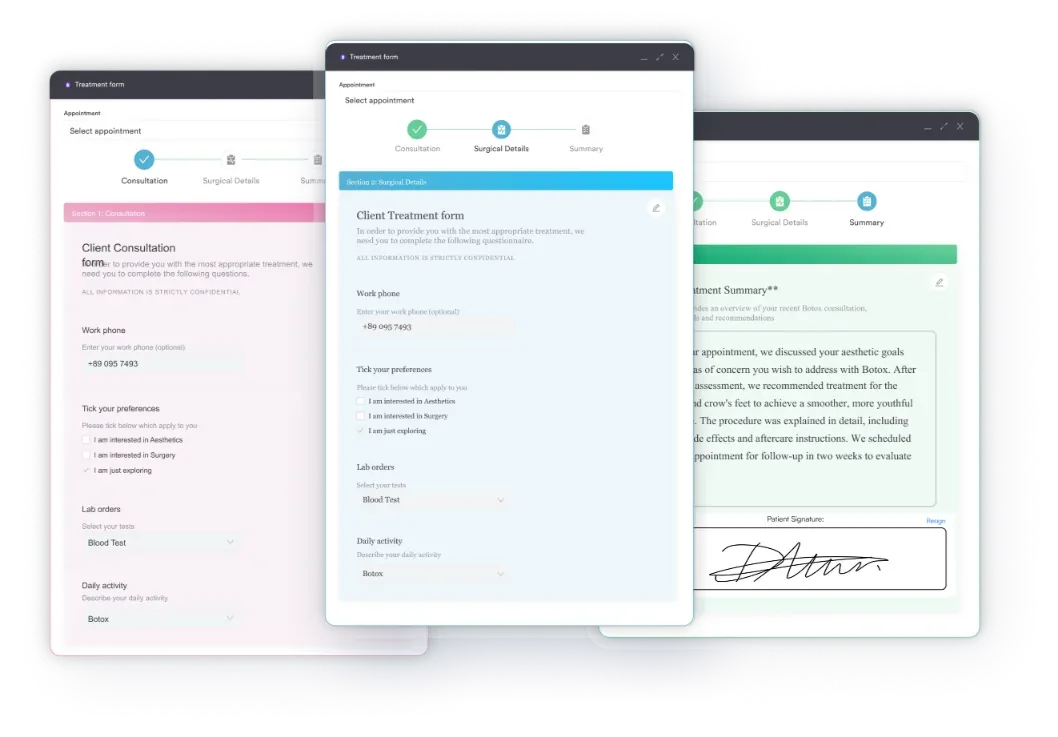
Using digital intake forms built into your practice management system can automate the capture of physician orders and patient consent at the point of supply, so nothing is missing from the file at audit time. Pair that with a centralized patient record management system so all ostomy documentation is accessible in one place for MAC reviews.
Submitting A4368 correctly requires attention to both the claim form fields and the underlying compliance requirements. Paper claims use the CMS-1500 form, while electronic submissions use the equivalent 837P fields. Only Medicare-enrolled DMEPOS suppliers may submit claims for this code. Physician offices and facilities are not eligible billing entities for A4368 under Part B.
Review your HIPAA compliance guide obligations before submitting electronic DME claims, as all Medicare DME claims must be transmitted in the ANSI X12 837P transaction format.

Practice management software like Pabau helps billing teams capture intake and consent digitally and keep supporting documentation organized in one patient record. See how it works for your practice.

Medicare’s reimbursement rate for A4368 is set through the DMEPOS fee schedule, which CMS updates annually. Rates vary by MAC jurisdiction, which means a DMEPOS supplier in Noridian’s jurisdiction (covering states including California, Nevada, and Alaska) will see different allowable amounts than suppliers in CGS or Palmetto GBA territory.
Always look up current allowable amounts using the CMS fee schedule tool rather than relying on historical figures. DMEPOS fee schedules are updated each January 1. Specific dollar amounts published in third-party guides can be outdated within months of publication, making the CMS tool the only reliable source for current billing purposes.
Understanding how fee schedules work across private insurers is equally important for multi-payer billing teams. Resources covering private insurance fee schedules can help your team build payer-specific billing protocols alongside your Medicare workflows.
Medicare pays 80% of the allowable fee after the beneficiary meets the annual Part B deductible. The beneficiary is responsible for the remaining 20% coinsurance unless they have supplemental coverage. Suppliers may not bill above the Medicare allowable amount for beneficiaries with assignment accepted.
A4368 rarely appears on a claim in isolation. DMEPOS suppliers typically bill it alongside pouch codes like A4427. Understanding the full code family reduces unbundling errors and improves claim accuracy.
For additional coding context across procedure types.
Key unbundling warning: If you are billing A4427 (2-piece drainable pouch with integrated filter, locking flange), do not also bill A4368 for a separate filter on the same claim line for the same unit. Review your MAC’s bundling edits before submitting co-billed claims.
A4368 denials follow predictable patterns. Most can be prevented with pre-submission checks. Below are the denial scenarios most frequently reported for A4368 claims, along with the fix for each. The CARC denial code list is short enough to learn, and most rework traces to a handful of entries.
Run a monthly audit of A4368 claims and pull any that lack a documented medical-necessity justification in the file, or that exceed the supplier’s specific MAC or payer policy, before the MAC requests records. Proactive audits catch unsupported-quantity issues before they become post-payment recovery demands.
Manually tracking A4368 documentation requirements across a patient population is a compliance risk. A slip here costs more than one denied claim: it can trigger audit exposure, a repayment demand, and the staff time to appeal and resubmit. The most common failure points are:
Practice management software like Pabau helps with these failure points through documentation, not Medicare-specific automation. Digital intake and consent capture at the point of service creates a timestamped record of what was collected and when.
A centralized patient record then keeps physician orders, proof of delivery, and supporting notes in one place instead of scattered across paper files and email threads. For DMEPOS-adjacent practices, that organization is what speeds up a MAC audit response.
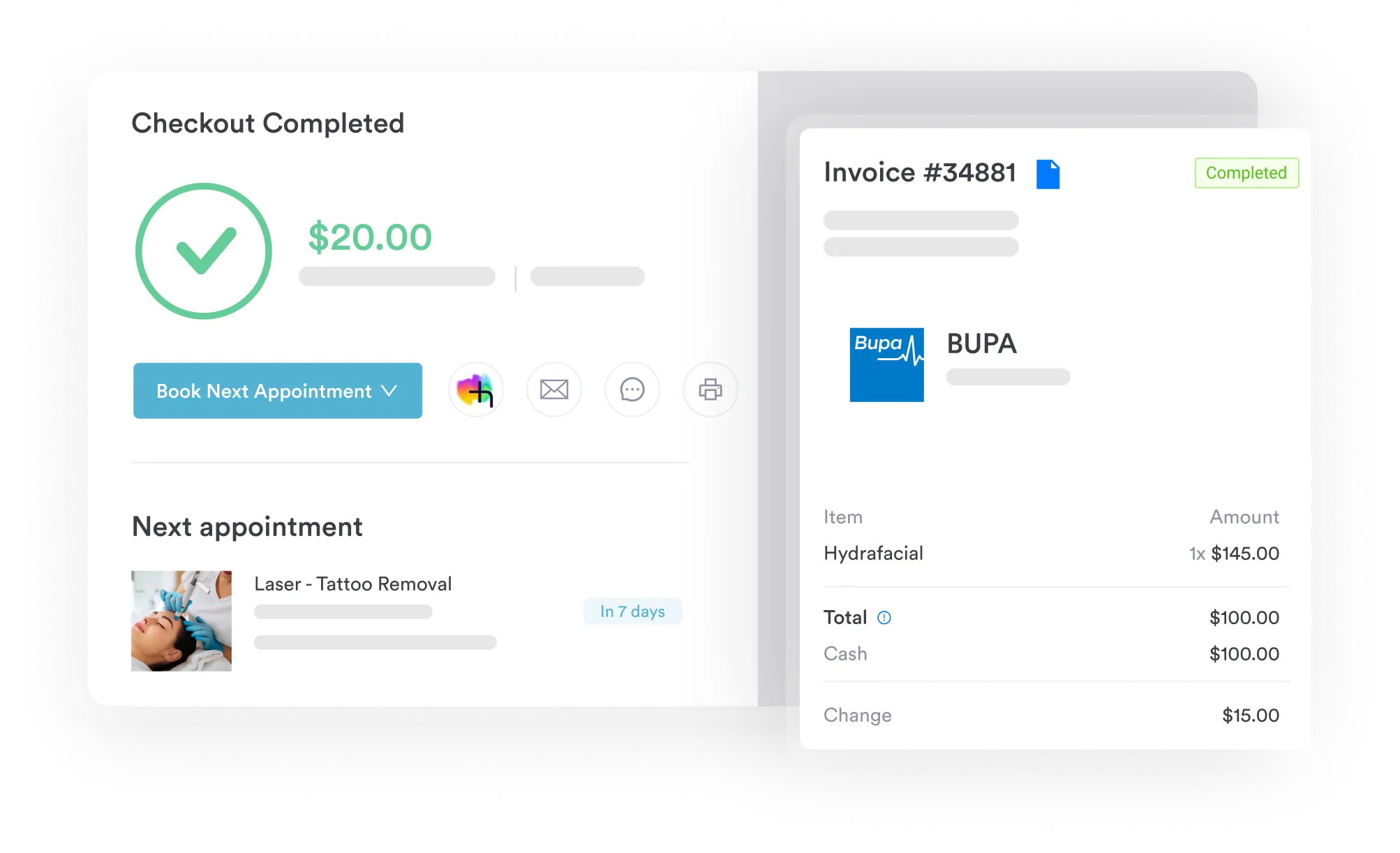
Keeping intake, consent, and supporting documentation in one digital record reduces the administrative burden on billing staff and gives compliance teams a cleaner audit trail. When a MAC requests records, everything is already organized and retrievable in the patient’s file.
A4368 billing is straightforward when four requirements are met: A qualifying Z93.2, Z93.3, or Z93.6 diagnosis code, a valid physician order (SWO), a Medicare-enrolled DMEPOS supplier as the billing entity, and a quantity that’s supported by documented medical necessity. Denials almost always trace back to one of these four elements being missing or incorrect at claim time.
Practice management software like Pabau helps DMEPOS billing teams keep this documentation centralized and organized, so records are ready whenever a MAC asks for them. To see how Pabau’s digital intake and patient record tools work, book a demo with the team.

Need a reference for HCPCS code lookups? AAPC’s HCPCS Level II code search lets billing teams look up A-series supply codes, check descriptions, and cross-reference Medicare coverage in one tool.
Billing a related skin barrier? A4362 shares the same DMEPOS supplier and documentation rules as A4368.
Also billing diabetic supplies? A4259 follows the same DMEPOS quantity-documentation rules as A4368.
HCPCS code A4368 is the Level II supply code for an ostomy filter, any type, each, used to bill Medicare Part B under the Prosthetic Device benefit for patients with a colostomy, ileostomy, or urostomy who need a filter to control odor and gas from their ostomy pouch. The code is active in 2026 and is governed by CMS Policy Article A52487.
Yes, Medicare Part B covers ostomy filters billed under A4368 through the Prosthetic Device benefit when the patient has a qualifying ostomy diagnosis, a physician order is on file, and the claim is submitted by a Medicare-enrolled DMEPOS supplier. Medical necessity must be documented in the patient’s records.
CMS has not published a specific numeric monthly maximum for A4368; it does not appear in LCD L33828’s Usual Maximum Quantity of Supplies table. Instead, the quantity billed must be supported by documented medical necessity (such as pouch-change frequency), and checked against the supplier’s MAC or commercial/Medicaid payer policy, since some payers set their own caps.
Per CMS Policy Article A52487, the qualifying ICD-10-CM codes are Z93.3 (colostomy), Z93.2 (ileostomy), and Z93.6 (other artificial openings of urinary tract status, i.e. urostomy). The Z93.5x cystostomy codes (Z93.50, Z93.51, Z93.59) may be clinically valid for certain urinary diversions, but they are not on CMS’s covered-code list for this policy. The diagnosis code establishes medical necessity and must be specific to the patient’s actual ostomy type.
No. CMS discontinued Certificates of Medical Necessity (CMNs) and DME Information Forms (DIFs) for all DME claims with dates of service on or after January 1, 2023, and ostomy supplies were never subject to a CMN requirement in the first place. What’s required is a Standard Written Order (SWO) signed by the treating physician or qualified non-physician practitioner, plus supporting medical records establishing the diagnosis and medical necessity.
The Medicare allowable fee for A4368 varies by MAC jurisdiction and is updated annually by CMS. Use the CMS fee schedule lookup tool to find the current allowable amount for your jurisdiction. Do not rely on published third-party figures, which may be outdated within months of publication.
The most common A4368 denial reasons are: No qualifying ICD-10-CM diagnosis code (Z93.2, Z93.3, or Z93.6), quantity billed that isn’t supported by documented medical necessity or that exceeds a payer-specific limit, claim submitted by a non-enrolled supplier (such as a physician office), a missing Standard Written Order, and unbundling conflicts when A4427 (integrated-filter pouch) is billed on the same claim. Each is preventable with a pre-submission checklist.
Codes commonly co-billed with A4368 include A4361 (ostomy faceplate), A4364 (ostomy adhesive), A4367 (ostomy belt), and A4397 (irrigation sleeve). A4427 covers a 2-piece drainable ostomy pouch with an integrated filter and locking flange; if A4427 is billed, a separate A4368 filter may not be separately billable for the same patient and period. Verify co-billing rules with your HCPCS code lookup and MAC bundling edits.