Despina Petrushevska
Nursing care plan for aggressive behavior
A nursing care plan for aggressive behavior is a structured clinical document fo...

2
Last Updated: Oct 26, 2026
Free PDF 1 page, print-ready Clinician-reviewed
Reflexology practitioners need accurate records as much as they need skilled hands. A session with no written record, or one scrawled on a spare sheet of paper, is hard to reference at the next appointment.
A hand reflexology session note template solves this by giving every session the same structure. It captures the date, patient name, reflexologist name, reason for the appointment, and space for notes. Nothing depends on memory or handwriting.
This guide covers what the template includes, why a standardized format matters, and how to use it before, during, and after a session. It also covers adapting the template for solo practitioners, multi-practitioner practices, and combined hand-and-foot appointments. Finally.
A printable session note form for reflexology appointments, with fields for the date, patient name, reflexologist name, reason for appointment, and notes.
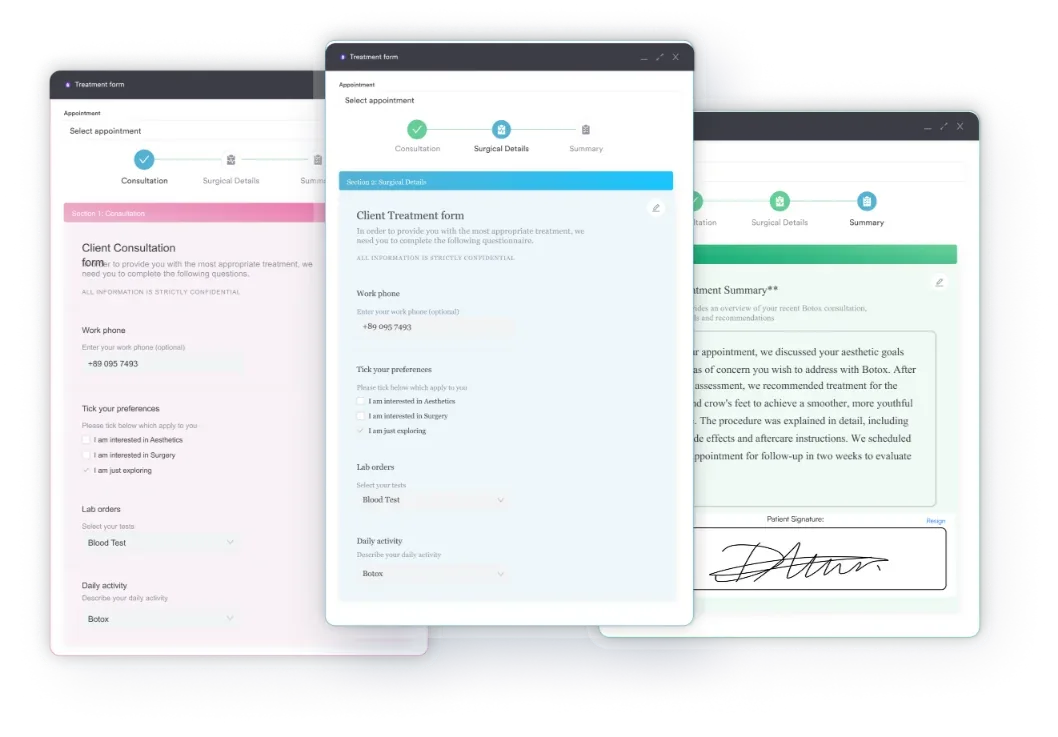
Upload this PDF, or any form you already use, and Pabau's AI Form rebuilds it with tick boxes, text fields and a signature. Attach it to the treatment once, and every patient gets it on time.
AI Form rebuilds the consent, history and aftercare forms you already use. You review each one, then publish.
Patients complete forms on their phone before they arrive, so the front desk stops retyping paper.
Every signed form is versioned and attached to the treatment record, ready when you need it.
Set how long a consent stays valid. Returning patients skip forms they have already signed.
Supports HIPAA and GDPR compliance AES-256 encryption 4.8 on G2 4.7 on Capterra Trusted by 4,000+ practices worldwide

This hand reflexology session note template gives practitioners one consistent form for logging the date, patient name, reflexologist name, reason for appointment, and session notes.
A structured template replaces free-form handwritten notes, so every reflexologist in a practice documents sessions the same way.
Standardized fields make notes faster to write after a session and easier to review before the next one.
Practice management software like Pabau gives reflexology practices digital client records, so they can pair this printable template with a searchable session history.
A hand reflexology session note template is a structured form that a practitioner fills in during or after a client appointment. It records who was seen, when, why, and what happened during the session. It does not map reflex zones or show where to apply pressure on the hand.
The template covered in this guide has five fields: date, patient name, reflexologist name, reason for the appointment, and additional notes. That is a deliberately simple layout, built for speed at the end of a session rather than for teaching zone theory.
Professional bodies including the Association of Reflexologists (AoR) and the International Institute of Reflexology (IIR) publish standards for session records. Neither one prescribes an exact form, so this template gives you a starting point instead of building one from scratch.
Each field on the template has a specific job in your client record.
A consistent template does more than save you from a blank page. It changes how a practice documents care.
Occupational therapists often score assessments like this directly inside occupational therapy software, keeping results attached to the treatment plan.
The template works best as part of a repeatable routine around each appointment.
The five core fields work for most reflexology practices, but how you use them can vary.
If you are the only reflexologist in your practice, the reflexologist name field mostly confirms which sessions you personally delivered. It becomes more useful the moment you bring on an associate or cover another practitioner’s caseload.
In a practice with several reflexologists, the reflexologist name field matters more. It lets any practitioner reviewing a client’s file see exactly who delivered each session and follow up with that colleague if needed.
Many practitioners work both hand and foot reflexology in a single visit. The same template covers either modality, since the fields document the session rather than a specific set of reflex zones. Use the reason for appointment and additional notes fields to record which areas you worked on.
Print several copies of the template and keep a stack at your treatment station, or save a digital copy for when paper runs out.
A paper session note template tells you what happened in one appointment. But it does not connect that record to a client’s full history on its own. Many reflexology practices still rely on loose paper notes, which leads to the problems below.
Digital practice management solutions solve this by pairing your completed session note templates with digital intake forms and a searchable client record. Instead of filing paper templates in a drawer, you scan or key each note into the client’s profile. That ties the note to the appointment date and the client’s full history. Spa services booked by phone and online end up in two places unless one system holds both.
Over time, a searchable record of session notes reveals patterns. Does a particular client consistently mention the same area of tension? Do their notes show steady improvement over several visits? These insights help you tailor future sessions and show clients measurable progress.
Dictate a quick voice note after the client leaves, and it drafts a session summary you can review and file. This keeps your notes current without adding paperwork to your day.
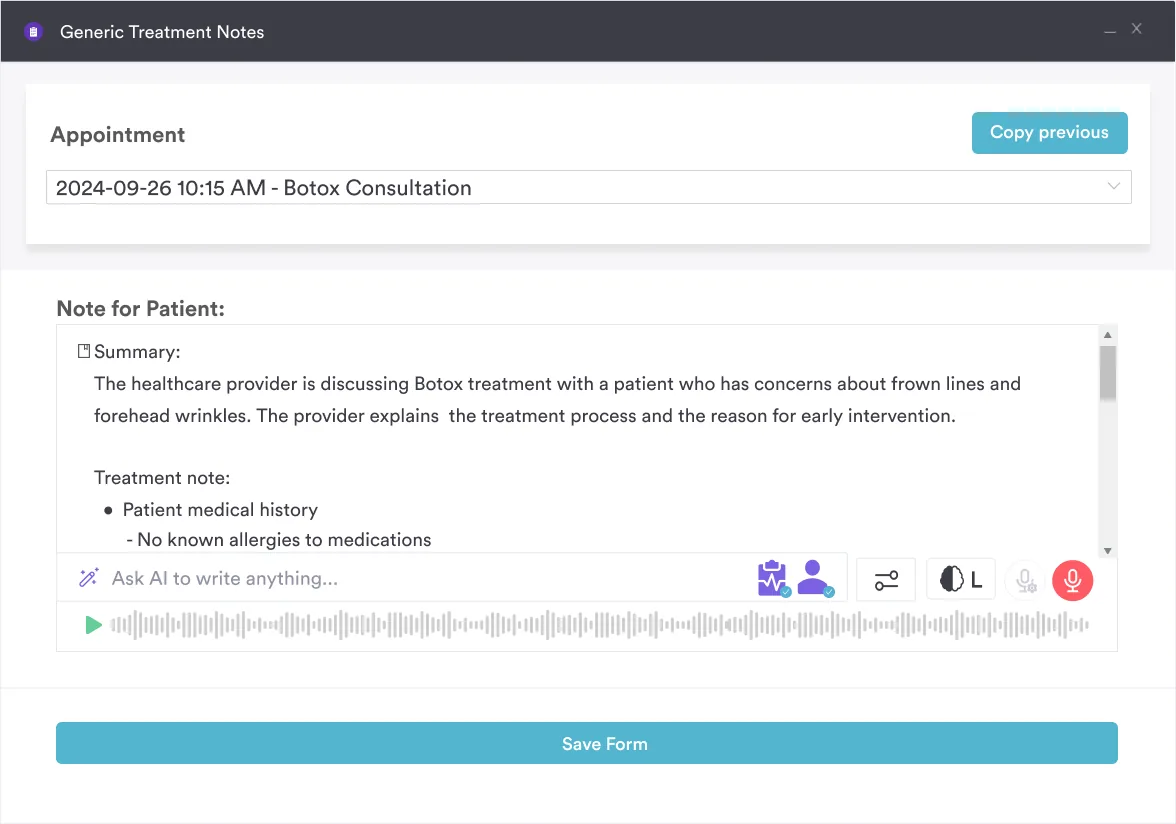
Many reflexology practices still juggle paper session note templates, a separate calendar, and handwritten client files in a filing cabinet. Finding one client’s history means flipping through folders instead of searching a screen. Reflexology often runs inside a broader spa or wellness business.
Practice management software like Pabau keeps every completed session note, intake form, and appointment together in one client profile. A reflexologist can search a client’s name and see every past session, the reason for each visit, and the notes that followed. All of it appears without leaving their desk.
The result is less admin time between clients. It also leaves a documentation trail that holds up if a question about care comes up later.

Pair this session note template with Pabau’s digital client records to track appointments, intake forms, and progress notes in one place.

A hand reflexology session note template turns documentation from an afterthought into a repeatable habit. Instead of relying on memory or loose paper, you capture the same fields every time: date, patient, reflexologist, reason for the visit, and session notes.
Pair the completed template with digital client records, and those individual notes become a searchable history you can review before every appointment. Book a demo to see how Pabau brings your session notes, intake forms, and client history together in one workspace. Your documentation then keeps pace with your caseload.

Bringing on new esthetician clients? Esthetician client intake form covers medical history, allergy screening, and a signed accuracy confirmation.
Also offering hair coloring services? Hair coloring aftercare guide covers washing protocols, product picks, and colour-maintenance timelines by colour type.
Need a cleaner way to record sessions? Massage therapy SOAP notes captures client pain history, findings, and the treatment plan on one page.
This template has five fields: date, patient name, reflexologist name, reason for the appointment, and additional notes on what happened during the session. It is a documentation form, not a diagram of hand reflex zones.
No. A reflex zone chart is an illustrated reference showing where different zones sit on the hand. This template is a blank session note form for recording appointment details and treatment notes, not a visual map of the hand.
Yes. The five fields document the appointment itself, not a specific set of reflex zones. That means the same layout works whether you treat hands, feet, or both.
No. One template works for every practitioner as long as each fills in the reflexologist name field. That keeps records consistent while showing who delivered each session.
Store completed notes with the rest of the client’s record, either in a locked physical file or scanned into a digital client record system. Digital storage makes past notes searchable before a client’s next visit.
Yes. The five core fields cover the essentials. You can add extras, such as pressure tolerance or areas to avoid, as long as the form stays quick to complete.
Most professional bodies, including the Association of Reflexologists (AoR), expect a written record of each client session as good practice. The exact format is left up to the practitioner.