Tanja Lepcheska
Pabau vs Hyland OnBase: Healthcare document management software compared
Healthcare document management software captures, stores, and retrieves patient ...

Last Updated: Nov 2, 2026
Free PDF 4 pages, print-ready Clinician-reviewed
A skin practice that skips the consultation form is one appointment away from a bad afternoon. You miss an isotretinoin course, peel over skin that is still rebuilding, and have nothing signed to show for it.
Most skincare consultation form templates hand you blank fields and stop there. This guide covers what each section must capture and what the flagged answers mean once the client is in the treatment room. It also covers how digital intake forms replace the paper version.
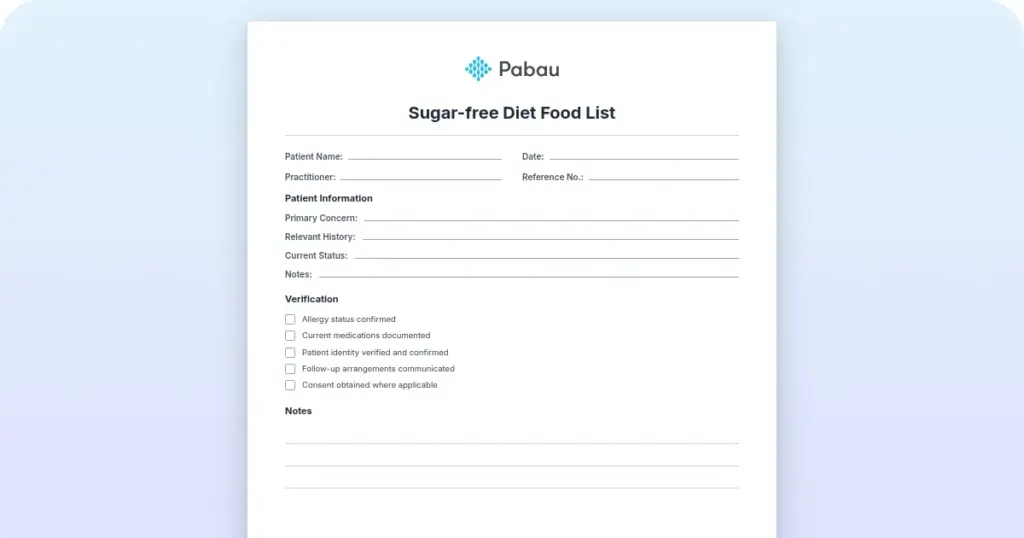
A ready-to-use skin care consultation form template covering client details, medical history, Fitzpatrick skin type, home care routine, and consent signature blocks. Download the skin care consultation form PDF to print, or copy its fields into your digital form builder.
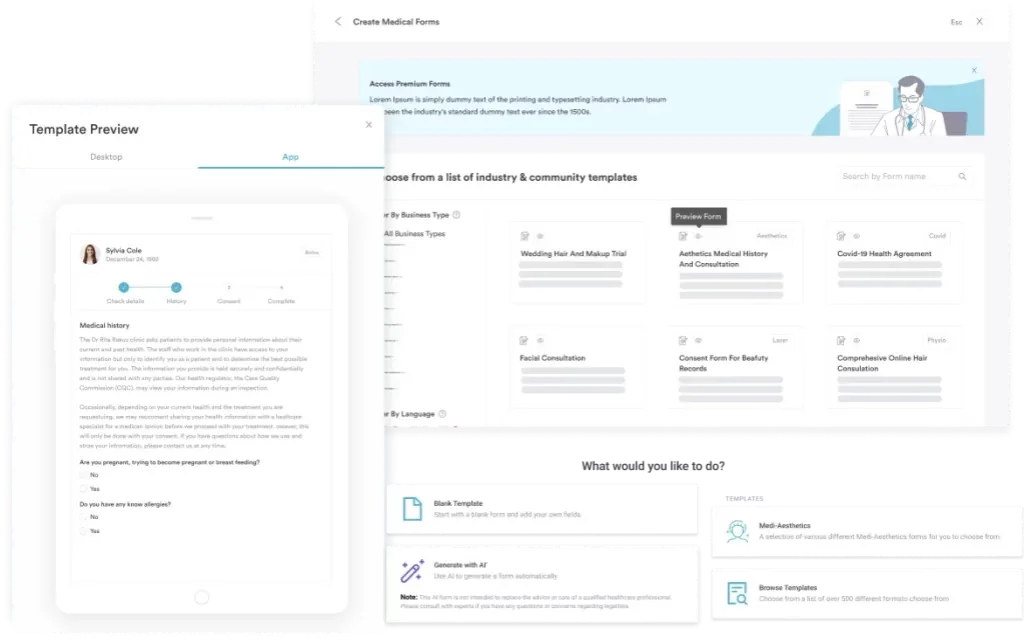
Start from scratch, or upload this PDF or any form you already use, and Pabau's AI Form rebuilds it with tick boxes, text fields and a signature. Attach it to the treatment once, and every patient gets it on time.
AI Form rebuilds the consent, history and aftercare forms you already use. You review each one, then publish.
Patients complete forms on their phone before they arrive, so the front desk stops retyping paper.
Every signed form is versioned and attached to the treatment record, ready when you need it.
Set how long a consent stays valid. Returning patients skip forms they have already signed.
Supports HIPAA and GDPR compliance AES-256 encryption 4.8 on G2 4.7 on Capterra Trusted by 4,000+ practices worldwide

A skin care consultation form records client details, medical history, skin type, and informed consent before any facial, peel, or injectable treatment.
Every form needs personal information, medical history and medications, Fitzpatrick skin type, primary concerns, home care products, and a signed consent section.
A blank form only protects you if the team knows what each answer means, so this guide maps flagged answers to actions.
Digital forms cut admin time, remove paper storage, and capture timestamped e-signatures that stand up in a compliance audit.
Practice management software like Pabau sends the form before the appointment and files the response straight onto the client record.
A skin care consultation form is a pre-treatment assessment document that captures a client’s health history, skin type, concerns, and signed consent. Estheticians and dermatology practices use one before any facial, chemical peel, microdermabrasion, or injectable treatment. A skin consultation form serves three jobs at once:
The client normally completes it before the appointment, on paper in reception or digitally by email or online booking. You then update it at each visit to track how the skin and the medication list have changed.
Send it 24 to 48 hours before the appointment, review the answers before the client is called in, and re-check it at every return visit. Five steps make that routine:
Five sections cover it: personal information, medical history and medications, skin type, concerns and goals, and consent. Drop any one of them and you carry both a clinical and a compliance risk.
Capture full name, date of birth, phone number, email, emergency contact, and where relevant the referring provider or medical director. Each field earns its place:
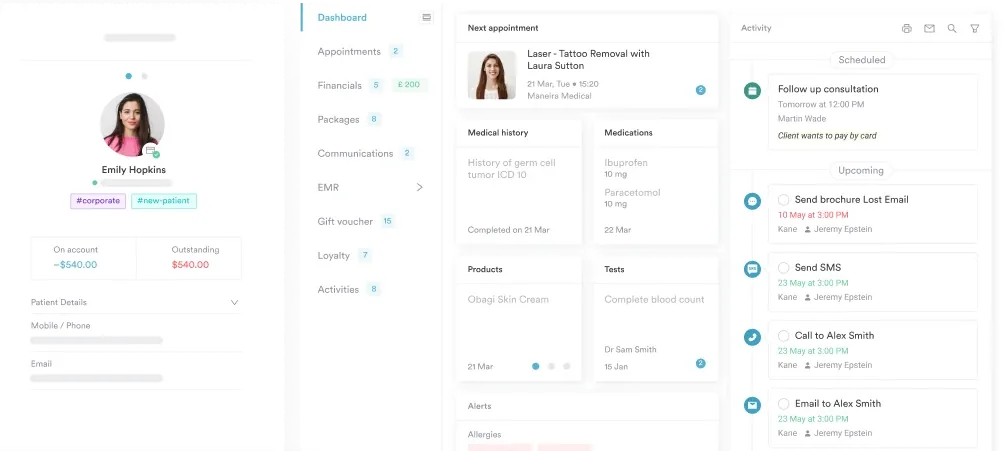
This is the section that stops treatments. Ask the client to check any condition they have or medication they take. The checklist should cover diabetes, eczema, psoriasis, rosacea, cold sores, blood thinners, isotretinoin, and prescription retinoids. Add a dedicated line for allergies, covering food, metal, latex, and specific ingredients. Software built for med spas keeps the clinical record and the appointment history against one client. Software built for med spas keeps the clinical record and the appointment history against one client.
Collecting the answer is the easy half. The table below is the half that competitor templates leave blank. It maps each flagged answer to its clinical meaning and to the action you take before the client is on the couch.
Pin this table beside the treatment room screen. It turns the medical history section from a box-ticking exercise into a decision the whole team makes the same way, whoever is on shift.
Record both the everyday skin type and the phototype. The everyday types are dry, oily, combination, sensitive, and normal, and they steer product choice. The Fitzpatrick skin type scale classifies phototypes I to VI by melanin content and sun reaction, and it decides laser and peel safety.
Clients rarely know their own phototype, so a fill-in-the-blank field returns guesses. Read the description column below out loud and let the client pick the line that matches how they burn.
Write the number on the form and carry it into the treatment note. A type recorded once and never referenced again is the same as no assessment at all.
List the primary concerns as checkboxes: acne, hyperpigmentation, fine lines, wrinkles, rosacea, sensitivity, scarring, and an open “other” line. Then ask one free-text question: what is your main goal for this treatment?
That single answer is where expectation management starts. One client writes “clear by my wedding in three weeks.” Another writes “fewer breakouts over the next six months.” Those two need very different conversations.
Every form needs an informed consent statement the client reads and signs, on paper or by e-signature. The consent should cover:
A parent or guardian must co-sign for anyone under 18. For chemical peels, many practices also require the practitioner’s signature, confirming they reviewed the contraindications before treatment.
Run digital unless you have no reliable internet in the building. A printable skin care consultation form still works, and the PDF above prints cleanly. You just take on the filing, the unreadable handwriting, and the missing-signature risk yourself.
The daily win is smaller than the compliance one, but you feel it faster. Nobody stands at reception decoding handwriting while the next client waits.
Send the form link 24 hours before the appointment by email or text, then chase anyone who has not opened it the evening before. Your front desk stops asking for paperwork while the client is already in the chair.
If you operate in the US and collect health information electronically, HIPAA applies. The Health Insurance Portability and Accountability Act requires stored client data to be encrypted in transit and at rest. It also requires access logs and a breach notification protocol.
In the UK and EU, GDPR applies instead. The General Data Protection Regulation requires that client data be processed lawfully, with explicit consent, and stored securely. Both rules share one baseline: never keep client health information in an unencrypted spreadsheet or an open cloud folder.
Paper carries its own exposure, because a filing cabinet is unencrypted by definition and a mislaid form is a reportable loss. Digital forms in compliance-designed platforms handle encryption and access control for you.
Add one question per treatment you actually offer, and delete the rest. If you run chemical peels, ask whether the client has had a chemical peel in the past 12 months. If you inject, ask about prior injectable treatments and how happy they were with the result.
Build it in a form builder rather than a word processor, so you can add or remove fields without reprinting. Test the draft on a handful of regulars and ask them where they hesitated. Keep the finished form under two pages, because completion drops off once clients have to scroll past that.
Practice management software like Pabau turns the form into a step of the booking, not a job for the front desk. When the appointment is confirmed, the form goes out by email or text with a link that opens on the client’s phone.
The client answers at home and signs on screen. The response lands against their client record before they arrive. The practitioner opens one screen and sees the medication list, the Fitzpatrick type, and the signed consent together.
At the next visit, the answers are already there. Instead of re-asking every question, staff confirm what changed since last time. That is the difference between a form your team fills in twice and a record that grows with the client.

Send forms automatically before appointments, capture legally valid e-signatures, and store every response against the client record. Your team walks into the treatment room already knowing what the skin can take.

A blank form protects nobody on its own. What protects you is a practice where every flagged answer already has an agreed action, written down before the client is on the couch. That is why the contraindication table above matters more than the fields themselves.
Print the PDF if paper suits how you work today. Just go in knowing the trade: you keep the filing, the handwriting, and the risk of a consent form nobody can find. Digital shifts all three off your front desk.
Book a demo to see how Pabau sends consultation forms before the appointment and files every answer onto the client record.

Documenting a nursing care plan for a skin infection? Cellulitis Nursing Care Plan Template structures assessment findings, NANDA-I diagnoses, and intervention rationales in one record.
Weighing which facial device to add to your menu? Best facial device comparison compares HydraFacial, Geneo, and DiamondGlow to help you choose the right one.
Looking to streamline your entire intake process? Pabau’s skin clinic software handles appointments, forms, records, and billing in one integrated system.
A complete form covers personal information, medical history and medications, skin type assessment, current skin concerns, home care routine, and informed consent with a signature. Those six sections cover clinical safety, treatment planning, and legal protection.
Start with identity and contact details, then work through medical history, medications, and allergies. Ask for the Fitzpatrick phototype, the current home care products, and any treatment in the past four weeks. Finish with the primary concern, the client’s goal for this treatment, and the consent signature.
Yes. The template at the top of this guide downloads free as a PDF. Print it, or copy its fields into a digital form builder and customize it for your treatment menu. Pabau includes a form editor, so you do not need a separate tool for that.
In practice they are the same document under two names, and both capture pre-treatment information before a facial or skin service. Some practices say intake form to stress the onboarding step. Others say consultation form to stress the assessment. A treatment consent form is narrower, covering only the risks and the signature for one procedure.
Yes. Every client completes one before their first appointment to set a baseline for health history, skin type, and concerns. At later visits you review the previous form and update it with new medications, healing progress, and any change in the skin.
Yes, and it is the better default. Digital forms lift completion rates, remove illegible handwriting, capture e-signatures with an audit trail, and store data under HIPAA and GDPR controls. Send the link by email or text before the appointment.
Yes. A signed consent section is legally essential for skin treatments. It records that the client understood the risks, the realistic benefit, and the aftercare they agreed to follow. Without it you carry the liability if an adverse reaction occurs.